Change Request Impact Assessment With AI Sandbox
See a change request's effect on tasks, budget and schedule before you apply it. Field-by-field sandbox preview, with accept or skip per item.
- Silent Scope Creep: An agreed-in-passing change can break schedules and budgets silently when ripple effects are overlooked.
- AI Impact Assessment: Reads a change request against the live project and produces a plain-language summary plus a field-by-field Sandbox Preview.
- Granular Control: Managers can accept, skip, or edit individual line items—taking a schedule extension while declining a budget increase.
- External Decision Support: Export for Approval generates a standalone document with full impact analysis for stakeholders without platform accounts.
The Anatomy of Unchecked Project Changes
'Sure, we can push the deadline two weeks.' Nobody checked what sat downstream of it.
In fast-moving projects, casual agreements made in emails or status calls frequently introduce catastrophic delays. A single date change impacts critical-path predecessor links, creates resource overallocations, and invalidates vendor payment schedules. CoMng.AI stops this through automated **AI Impact Assessment** in an isolated sandbox.
What is a change request impact assessment?
It is an analysis of what a proposed change would alter in your plan before you approve it. The AI compares the request with live tasks, milestones, budget, risks, scope and team, and shows current against proposed values so you see the ripple effects first.
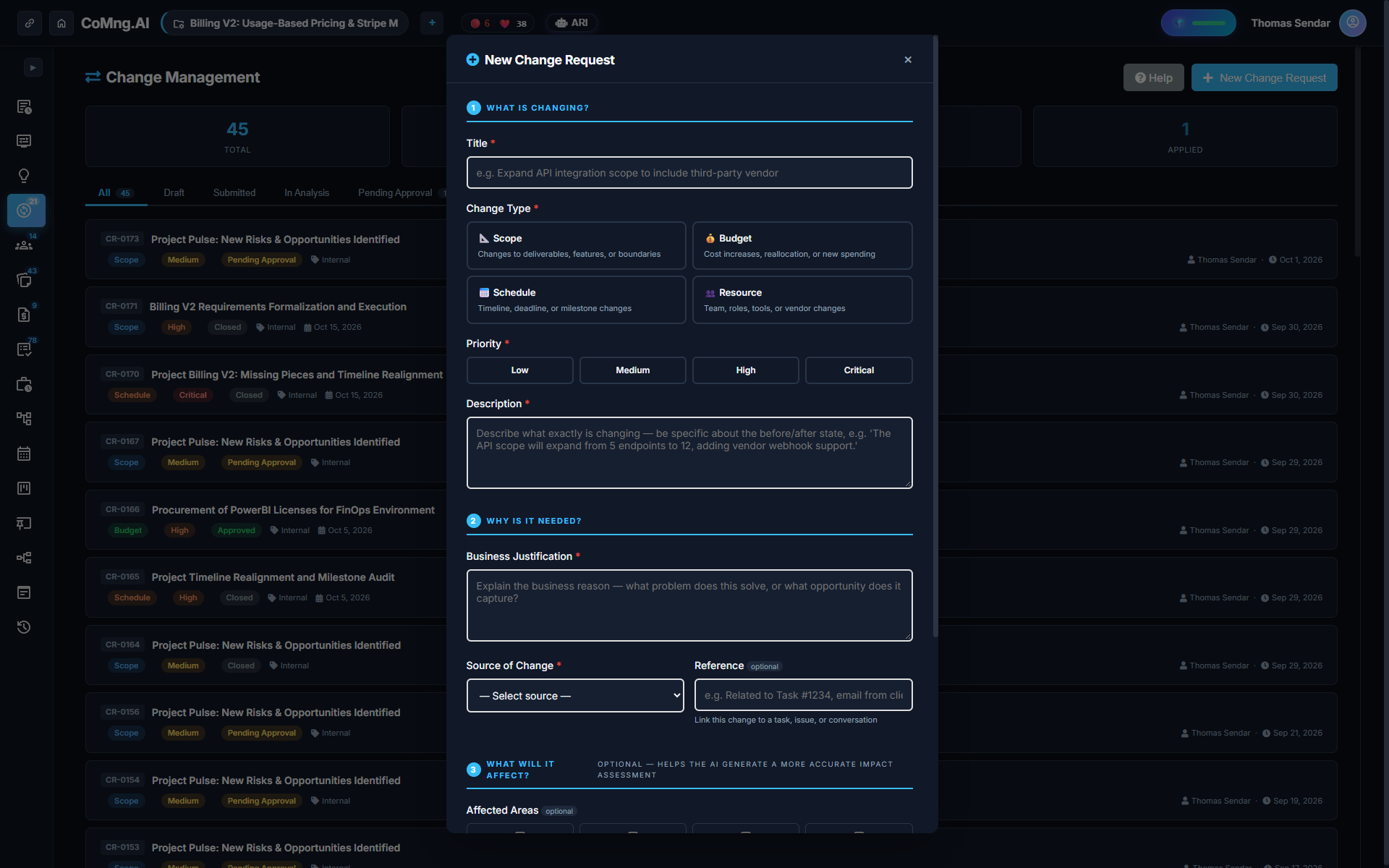
The Sandbox Preview, Field by Field
When a change request is created, CoMng.AI generates a side-by-side **Sandbox Preview** table. It displays every affected object, field, current value, proposed value, and individual Apply/Skip controls. Nothing touches the live plan until explicitly applied.
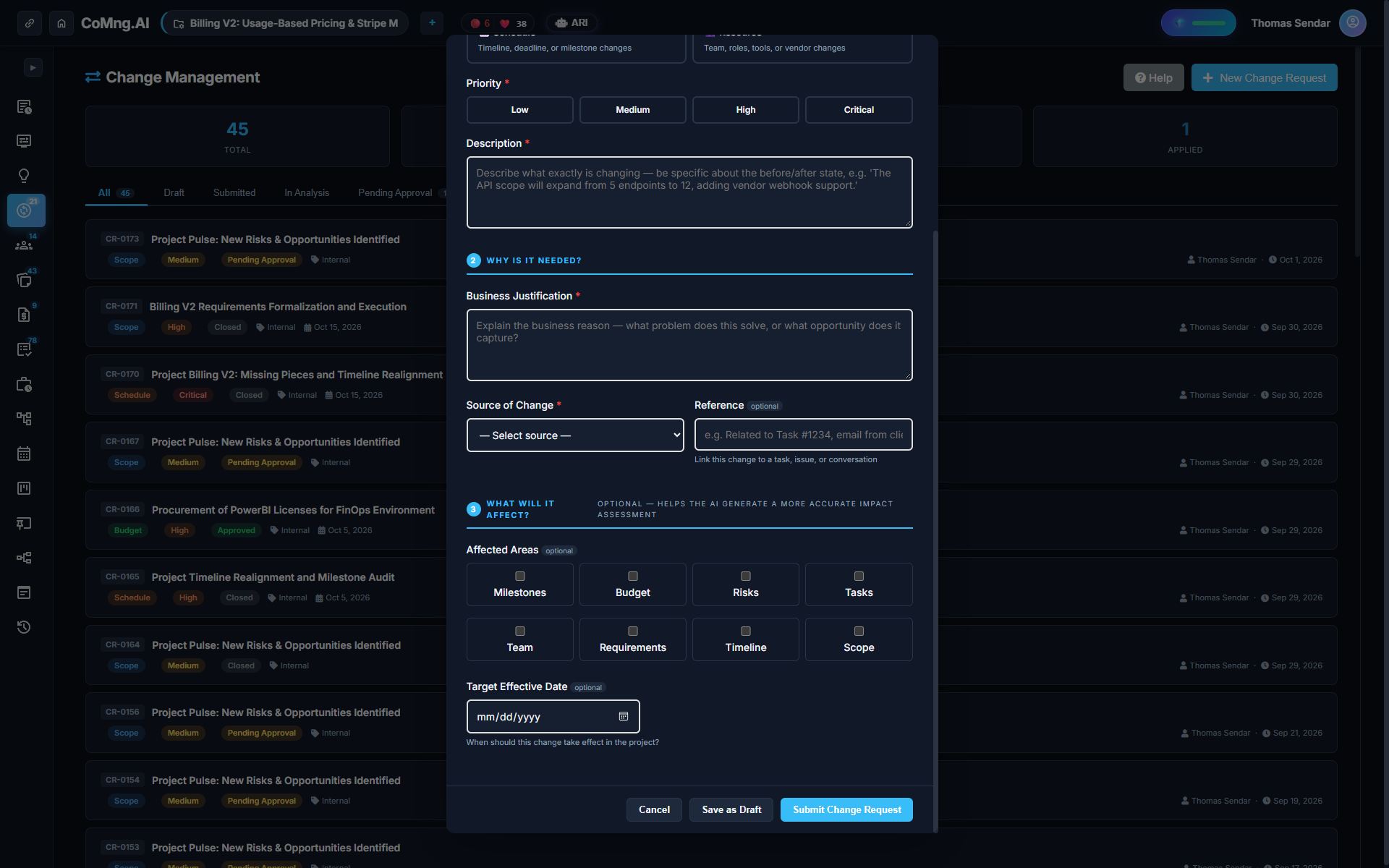
Accept Some, Reject Others: Granular Control
Traditional tools force an all-or-nothing decision: either approve the entire request or reject it completely. CoMng.AI gives managers surgical precision:
- **Apply All:** Commit all suggested adjustments in one click. - **Apply Individually:** Accept specific schedule adjustments while skipping budget increases. - **Edit Proposed Value:** Fine-tune suggested dates or costs before merging them into live data.
Proactive AI Detection: Auto-Detecting Missing Pieces
Change requests do not only come from humans. ARI continuously audits project health and automatically drafts remediation requests when dependency gaps or unbudgeted deliverables are detected.
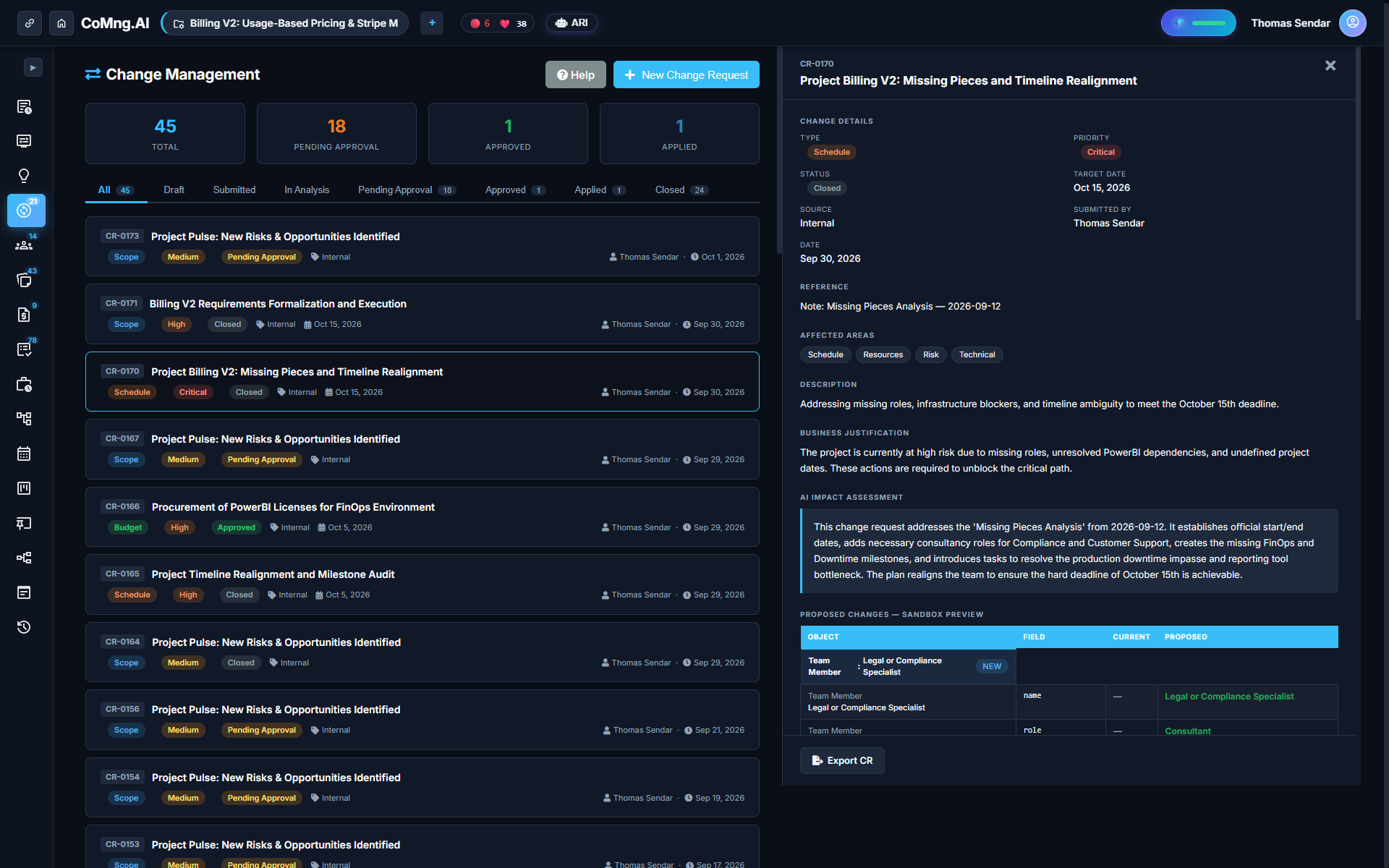
The Change Request Lifecycle and Governance Ledger
| Lifecycle Stage | Operational Meaning & State | Allowed Actions |
|---|---|---|
| Draft | Request being authored or synthesized by ARI | Edit fields, simulate sandbox impact |
| Submitted | Formally lodged for governance review | Assign to Change Control Board (CCB) |
| Pending Approval | Awaiting review by authorized manager or client | Inspect Sandbox Preview, export case |
| Approved | Authorized by decision maker; ready to merge | Apply All or apply line-by-line |
| Applied | Committed to live project baselines & Gantt | Permanent cryptographic audit stamp |
| Deferred / Rejected | Postponed to future phase or declined | Logs rationale into permanent project record |
Getting Decisions from Outside Approvers
When a client sponsor or CFO needs to approve a change but does not have a CoMng.AI account, clicking **Export for Approval** produces a standalone, audit-ready document. It includes the business justification, impact summary, and full sandbox table ready for signature.
Ready to Experience True Project Intelligence?
Try CoMng.AI today with zero setup drag. Ingest contracts, manage hybrid teams, and simulate change impacts with 5-Dimension Telemetry.
Frequently Asked Questions
Does the AI change my plan automatically?
No. The sandbox displays proposed changes, and nothing is written to the live plan until an authorized manager approves and applies them.
Can I apply only part of a change request?
Yes. You can apply or skip each individual impact item, or edit values prior to applying.
Can an approver without an account review the change?
Yes. Export for Approval generates a standalone document with full impact analysis that can be emailed or downloaded.
Is there a permanent record of what was decided?
Yes. Every change request maintains its complete historical log, including author, timestamps, approvals, and individual line decisions.