The Centaur Manager: Reclaiming Your Week with AI Automation
In chess, a "centaur" is a human and a machine playing together, and the pair beats either alone. The same idea applies to project management: the manager supplies judgment, the platform supplies tireless administration.
A centaur manager pairs human judgment with AI execution. Audit your week, automate repetitive administration (status, chasing, capacity checks), use AI to assist with drafting, keep negotiation and decisions yourself, and reinvest the reclaimed time in stakeholders, risk and people.
- Do an audit first: measure where your week actually goes before automating anything.
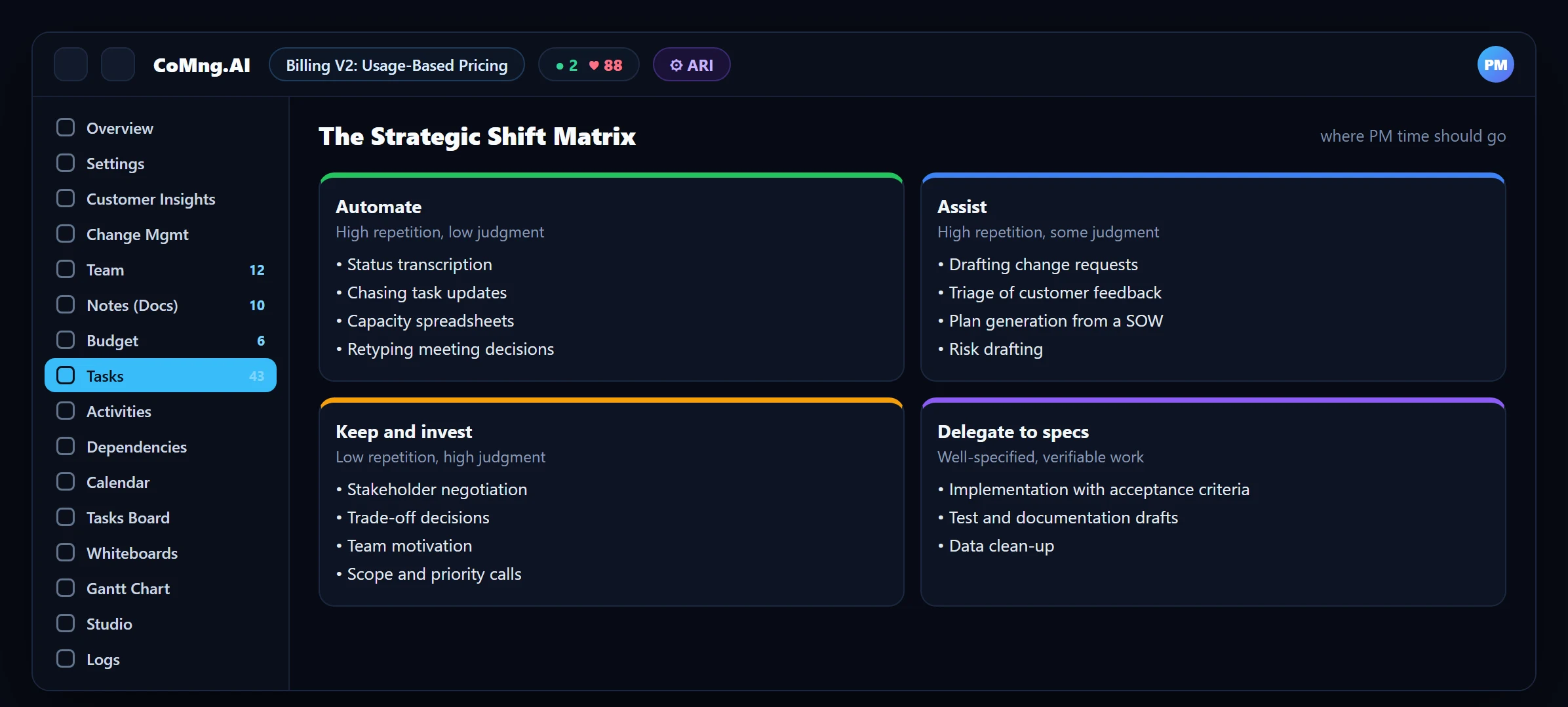
- Automate, assist, keep: repetitive tasks to the platform, drafting to AI with your review, judgment to you.
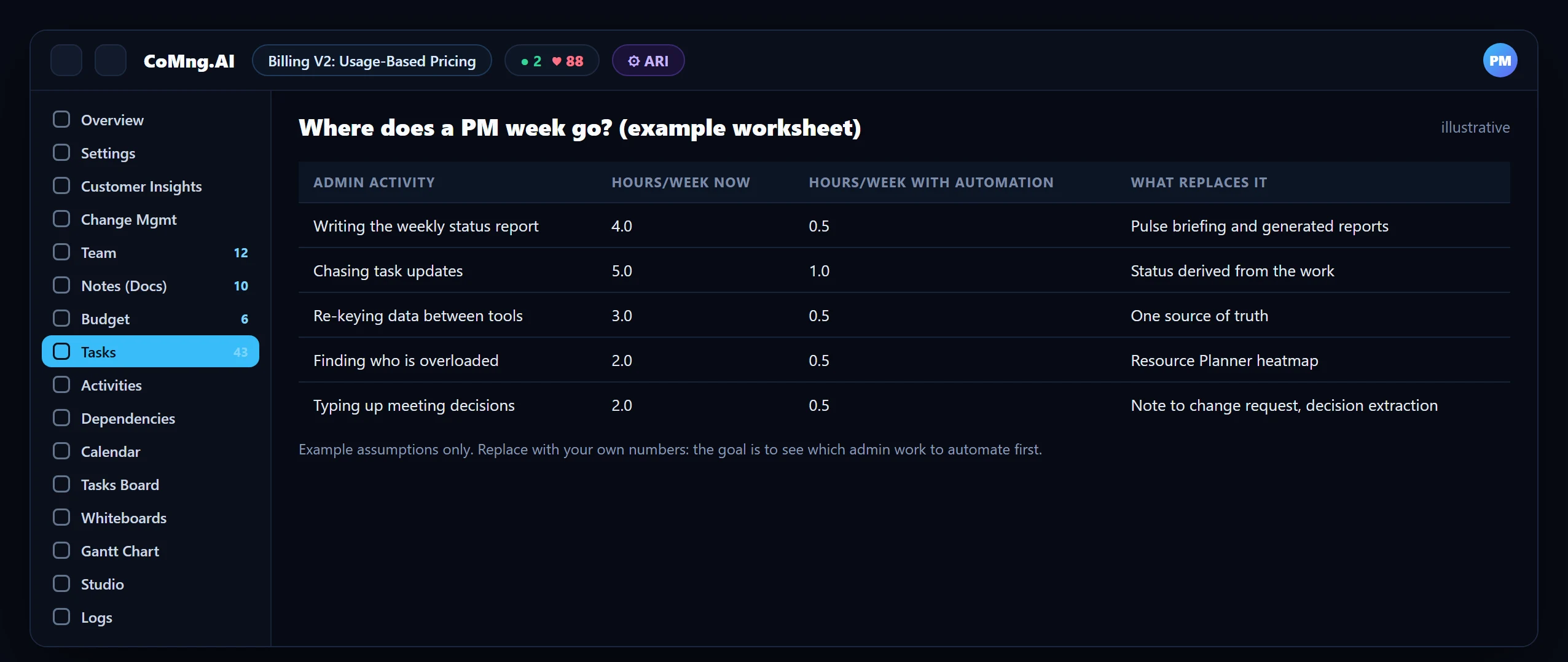
- Targets, not promises: a time audit gives your own reclaimed hours; do not rely on generic percentages.
- Reinvest the time: use it for stakeholders, risk conversations and team health.
The Centaur Idea
Machines are consistent, fast and tireless; people are good at judgment, context and relationships. A centaur manager arranges the work so each does what it is best at. The platform watches every task and every date; the manager decides what to do about what it finds.
Notice what this is not: it is not handing decisions to AI. In a governed system the AI proposes and the manager approves, so accountability stays where it belongs.
Step 1: Audit Your Week
Do not guess where the time goes. For one week, log how long you spend on each recurring activity. The result is usually uncomfortable and always useful.
Step 2: Sort Each Task: Automate, Assist, Keep
| Task | Mode | How CoMng.AI helps |
|---|---|---|
| Writing status reports | Automate | Pulse briefing and reports generated from live data |
| Chasing task updates | Automate | Status derived from the work; one-click nudges to assignees |
| Checking who is overloaded | Automate | Resource Planner heatmap and Pulse alerts |
| Drafting change requests | Assist | ARI and Pulse draft; you approve |
| Triaging customer feedback | Assist | AI classifies, you decide the conversion |
| Negotiating scope and priority | Keep | Impact assessment gives you the facts to negotiate with |
| Leading the team | Keep | Time reclaimed goes here |
Step 3: Put the Tools in Your Day
Morning: read, do not compile
Open Pulse. The Daily Briefing replaces your own morning compilation of status.
Before assigning: look
Check the heatmap, then use Smart Assign for unassigned work.
When something changes: route it
Raise or approve a change request instead of editing in place.
Friday: generate, then add judgment
Generate the report; add the three things only you can say.
Step 4: Reinvest the Time
- Stakeholders: the conversations that prevent surprises.
- Risk: acting on the top alerts instead of discovering them.
- People: one-to-ones, unblocking, recognition.
- Craft: improving estimates and plans for the next project.
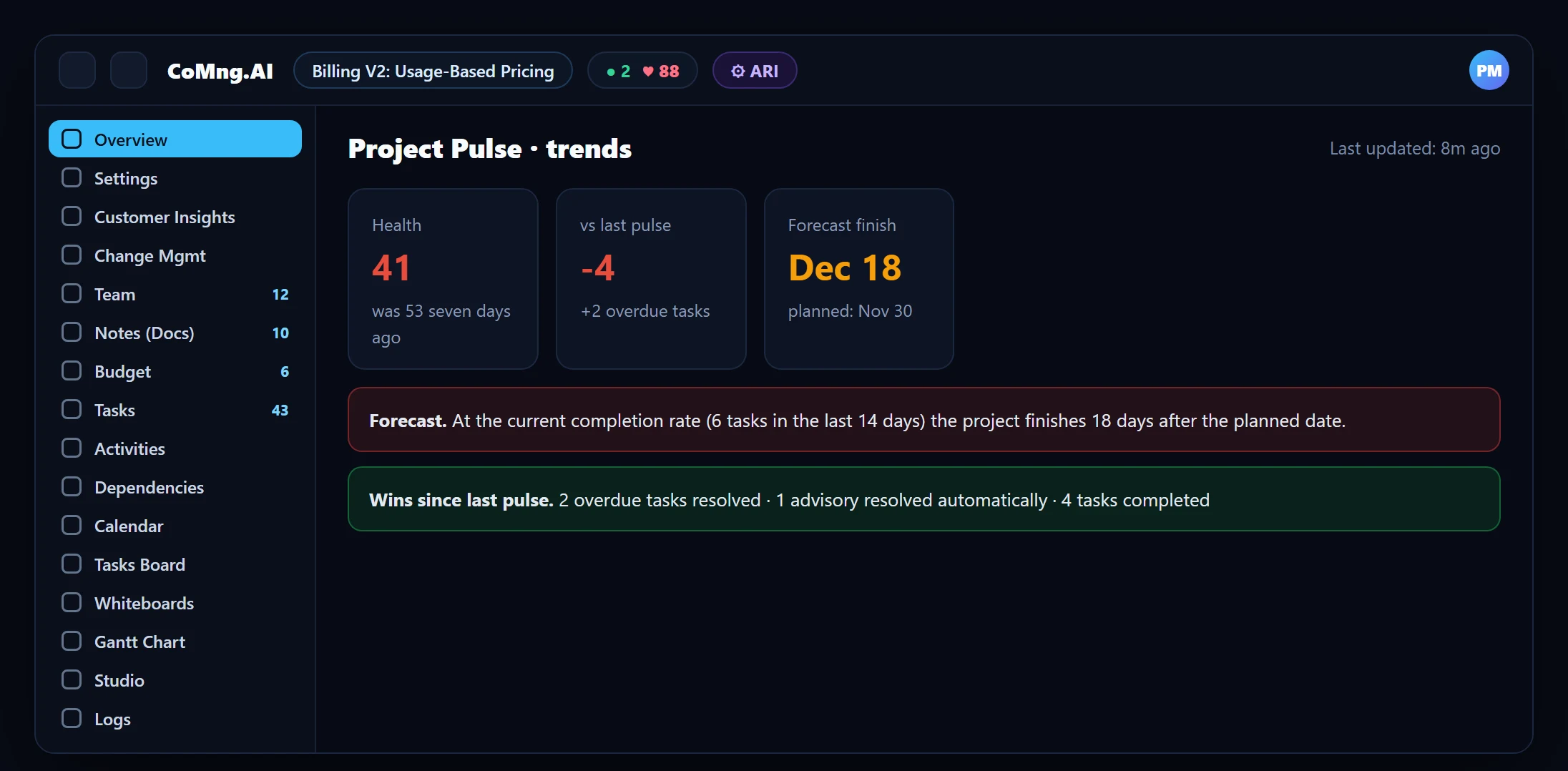
See The Strategic Shift Matrix for the longer-term role shift.
- Week spent compiling and chasing
- Judgment squeezed into leftover time
- Surprises at milestone reviews
- Platform compiles and chases
- Judgment first in the week
- Risks acted on early
About CoMng.AI
CoMng.AI is an AI-native project management platform that generates a project's plan, tasks, risks and budget from a description or document, monitors project health in real time, and gives both human teams and AI coding agents live access to the same project data, with a person approving every AI-generated change.
Run your next project with live health, not weekly guesses
Create a free project, import or generate a plan, and see Pulse, milestone flags and capacity in the first hour.
Frequently Asked Questions
What is a centaur manager?
A manager who works as a team with AI: the AI handles repetitive administration and drafting, while the manager provides judgment, context and accountability.
How much time can I reclaim?
It depends on where your week goes now. Run a one-week time audit of your recurring admin work and measure the change on a pilot project rather than relying on generic percentages.
Which tasks should I not automate?
Stakeholder negotiation, trade-off decisions, scope and priority calls and leading the team. AI can supply facts for these but should not decide.
Does AI make decisions for me?
No. In CoMng.AI, AI proposes (for example change requests) and a person approves. Bulk or destructive changes are additionally flagged.
Where should I start?
Replace the weekly status compilation with the Pulse briefing and a generated report, then add capacity checks with the heatmap.
Related reading
See the full guide: AI Project Management Strategy & Buying Guide