-
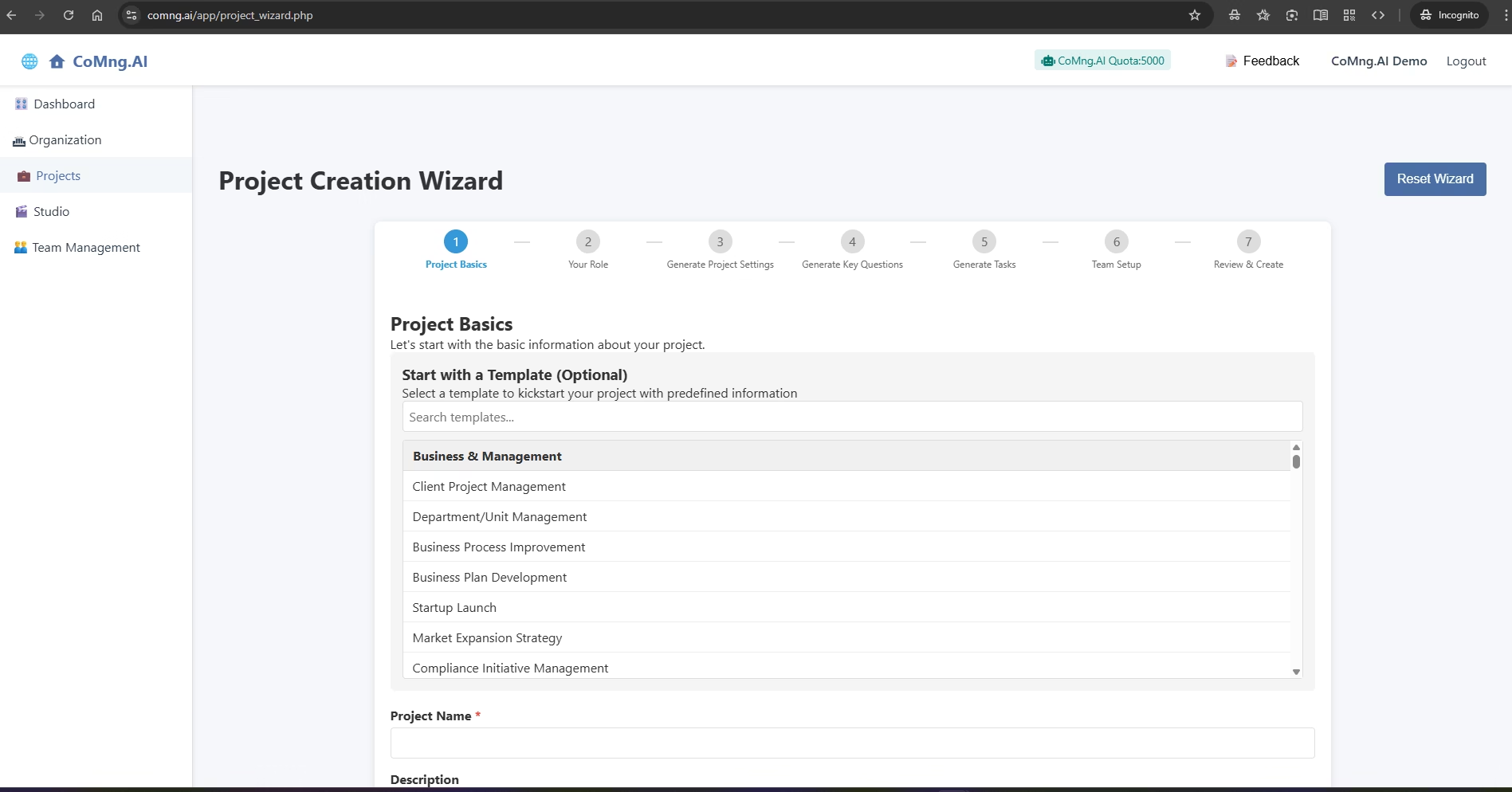
Getting Started: Creating Your First Project
Guide users through creating a new, AI-populated project using the Project Creation Wizard and a template, which is the fastest way to see the value of CoMng.AI
-
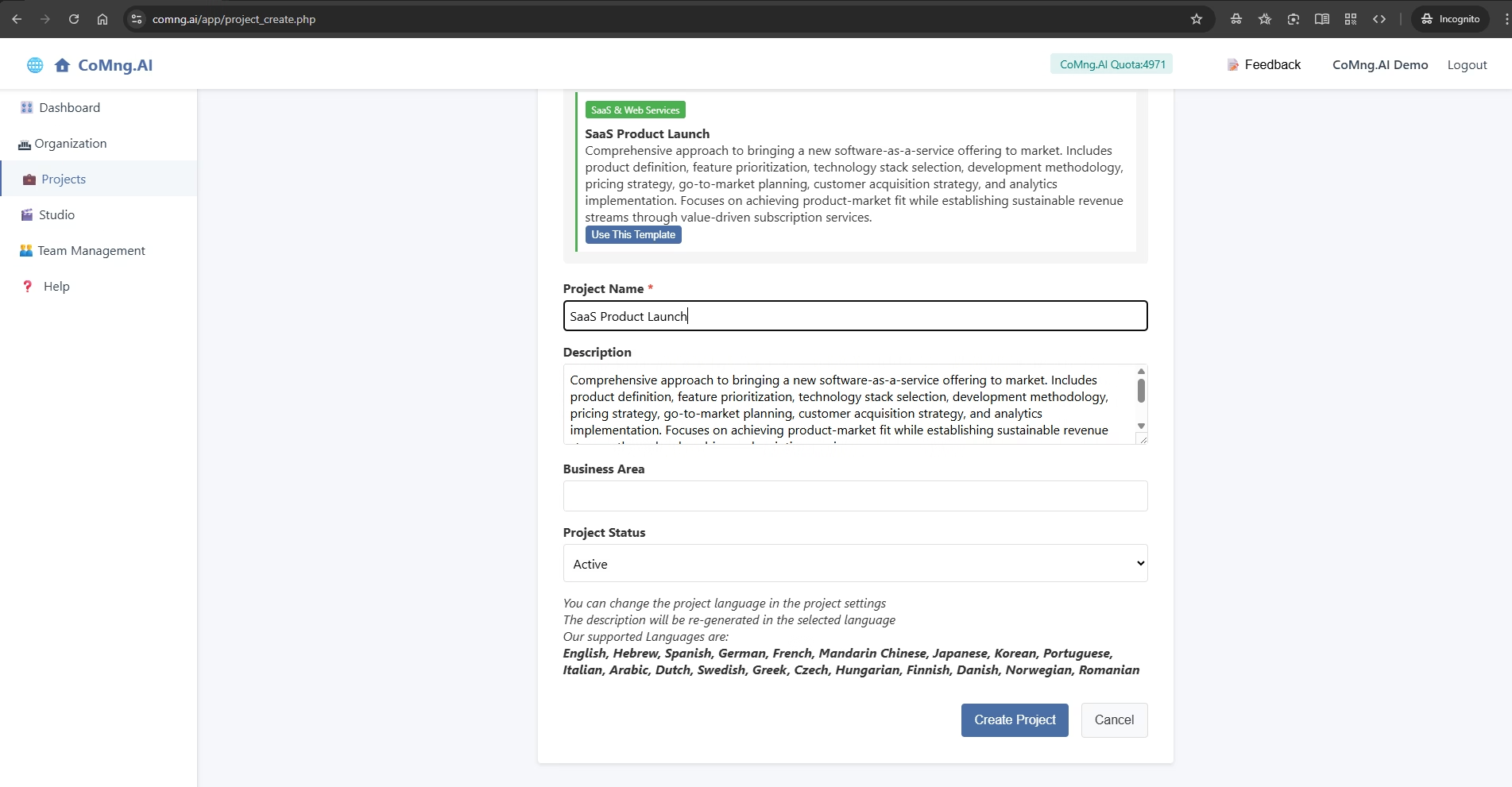
Creating a New Project (Direct Method)
Explain how to create a new project without using the wizard and then how to use the AI tools within the project to rapidly generate the project’s structure and task list
-
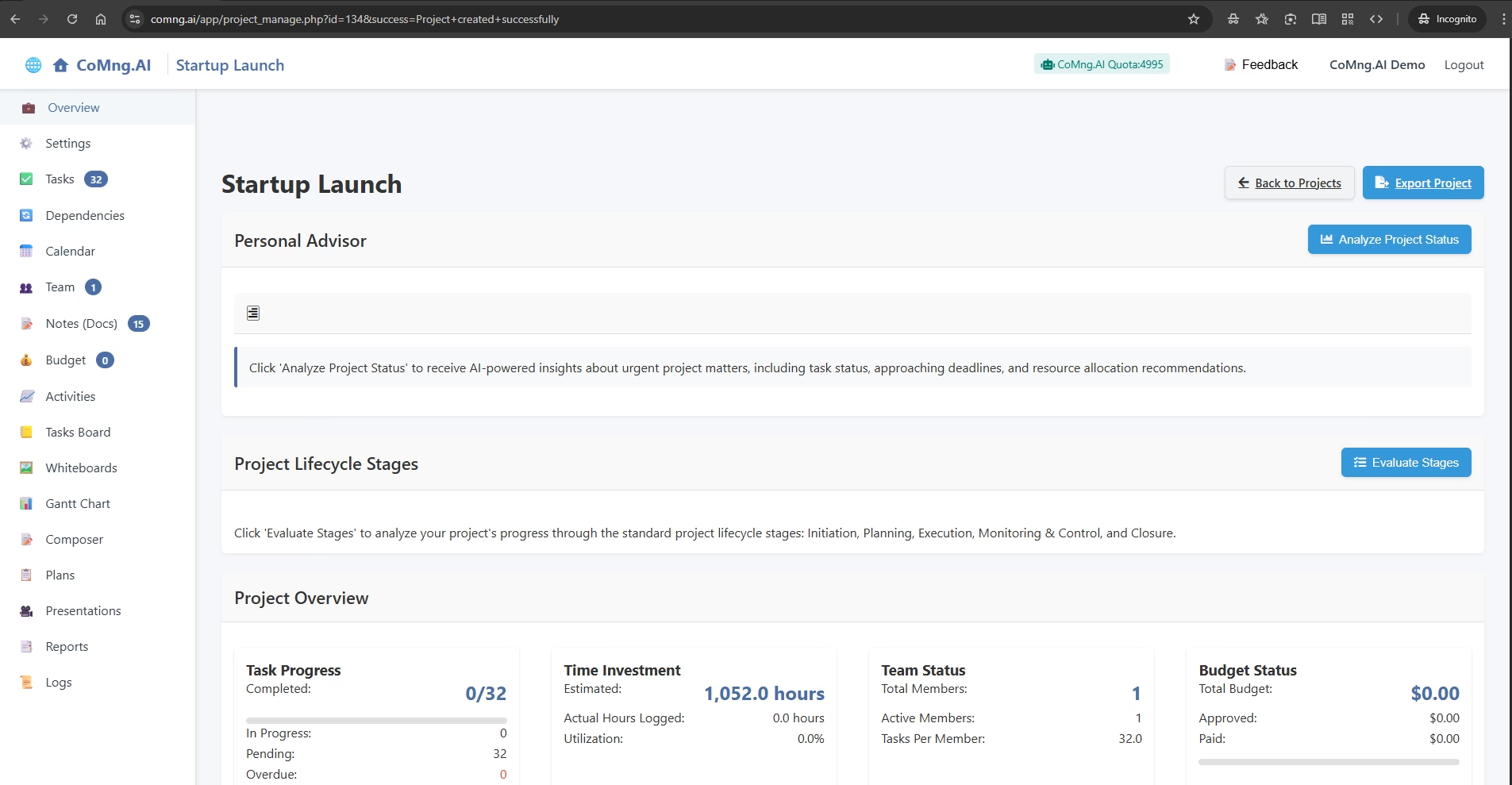
Understanding Your Project Overview Dashboard
Explain each component of the main Project Overview dashboard so users can quickly understand their project’s status and know where to find key information
-
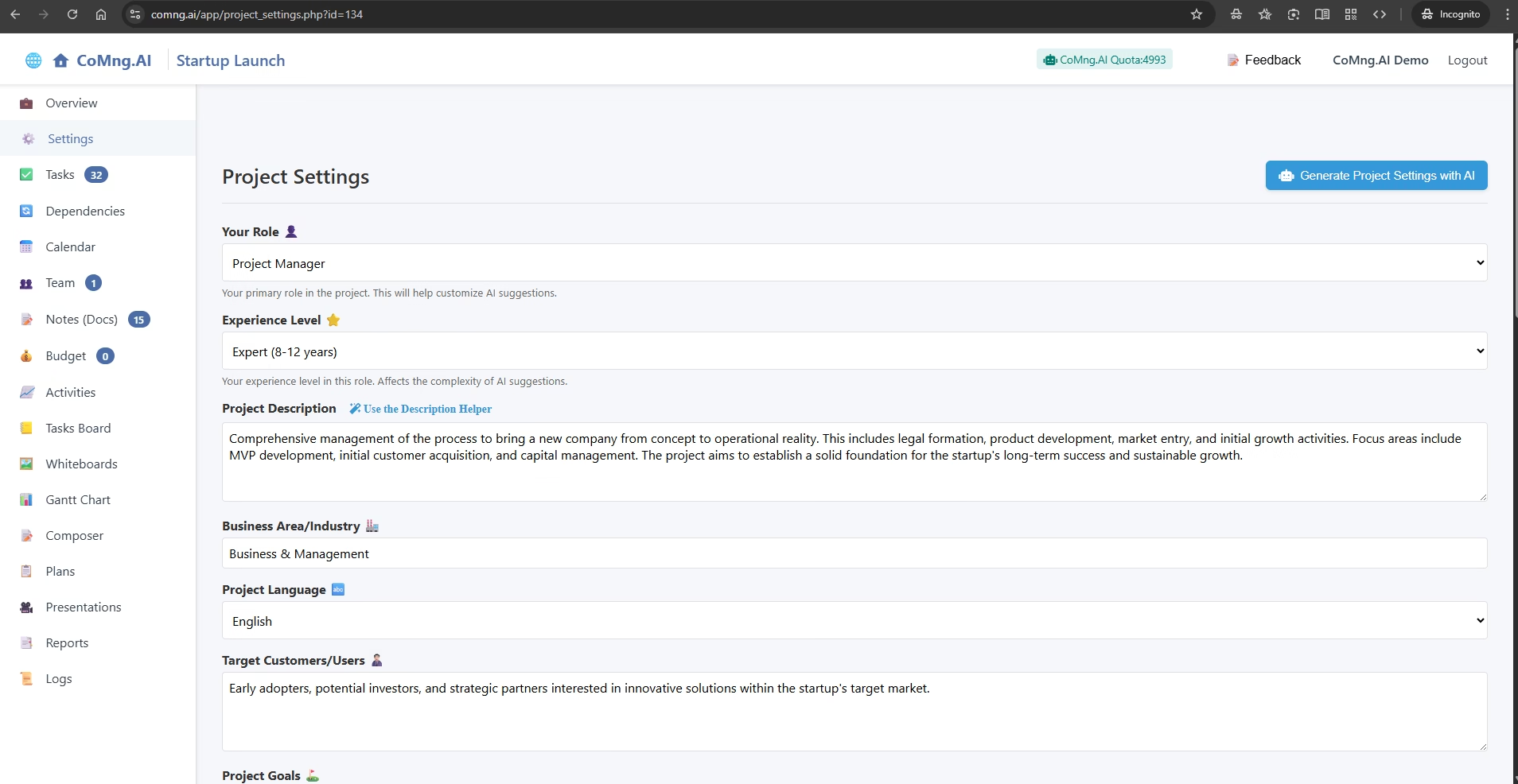
Managing Your Project’s Foundation: The Settings Page
Explain how users can view, manually edit, and use AI tools to regenerate their core project settings, giving them full control over their project’s foundation
-
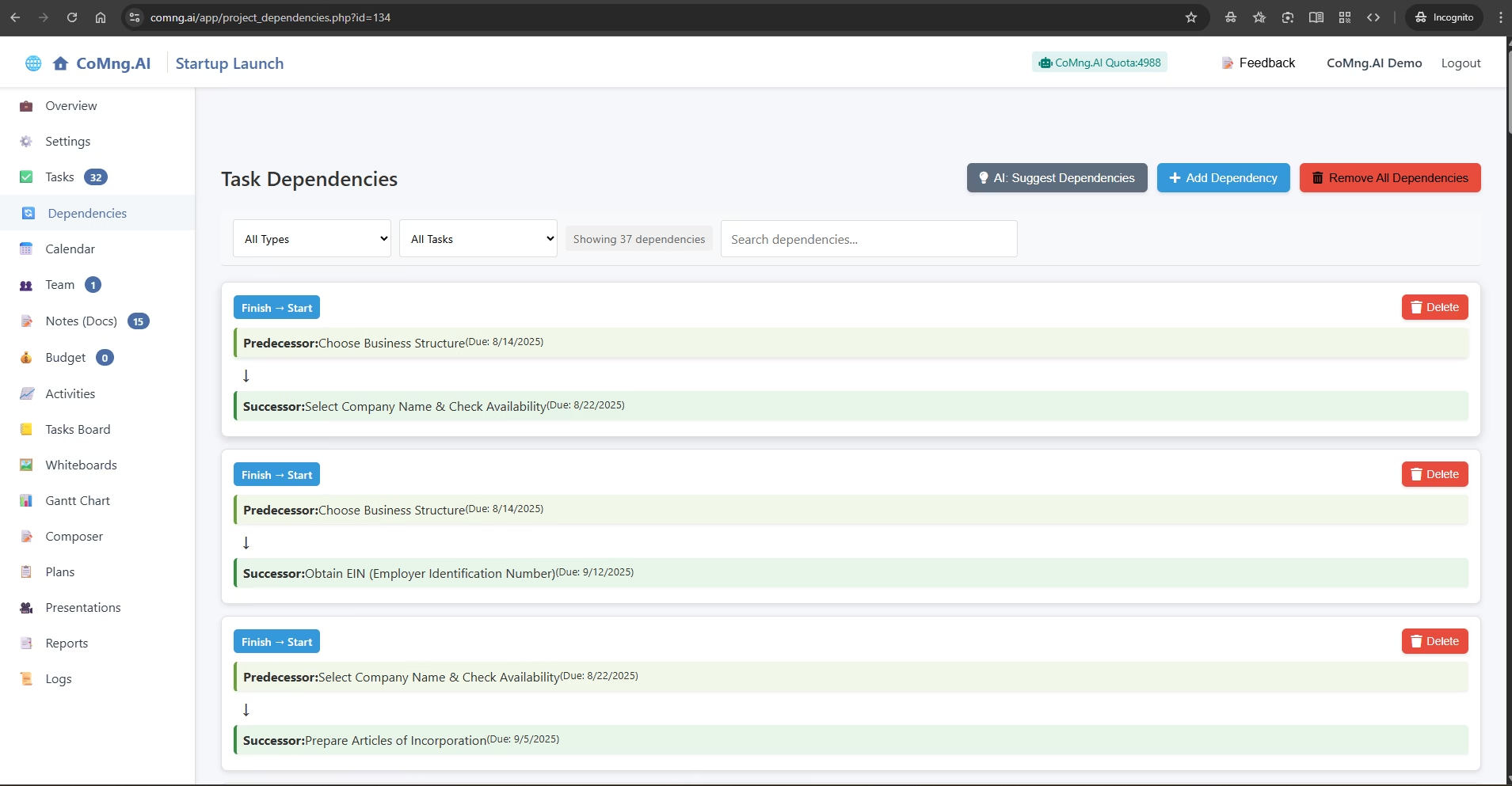
Visualizing and Managing Task Dependencies
Explain how to use CoMng.AI to automatically discover, manually create, and manage the dependencies between tasks, ensuring a logical and efficient project flow
-
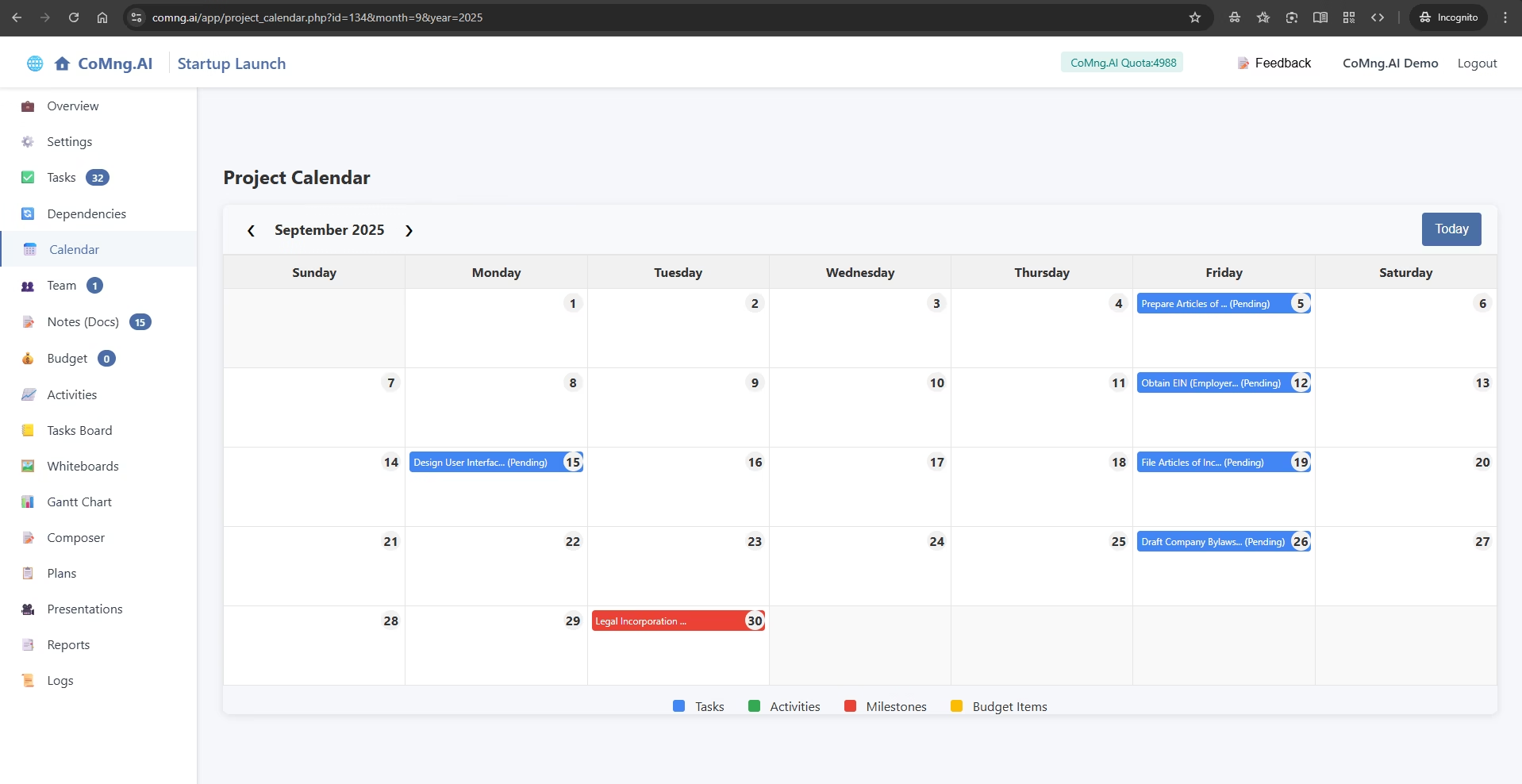
Visualizing Your Schedule with the Project Calendar
Explain how to navigate the Project Calendar and understand the different types of time-sensitive information it displays
-
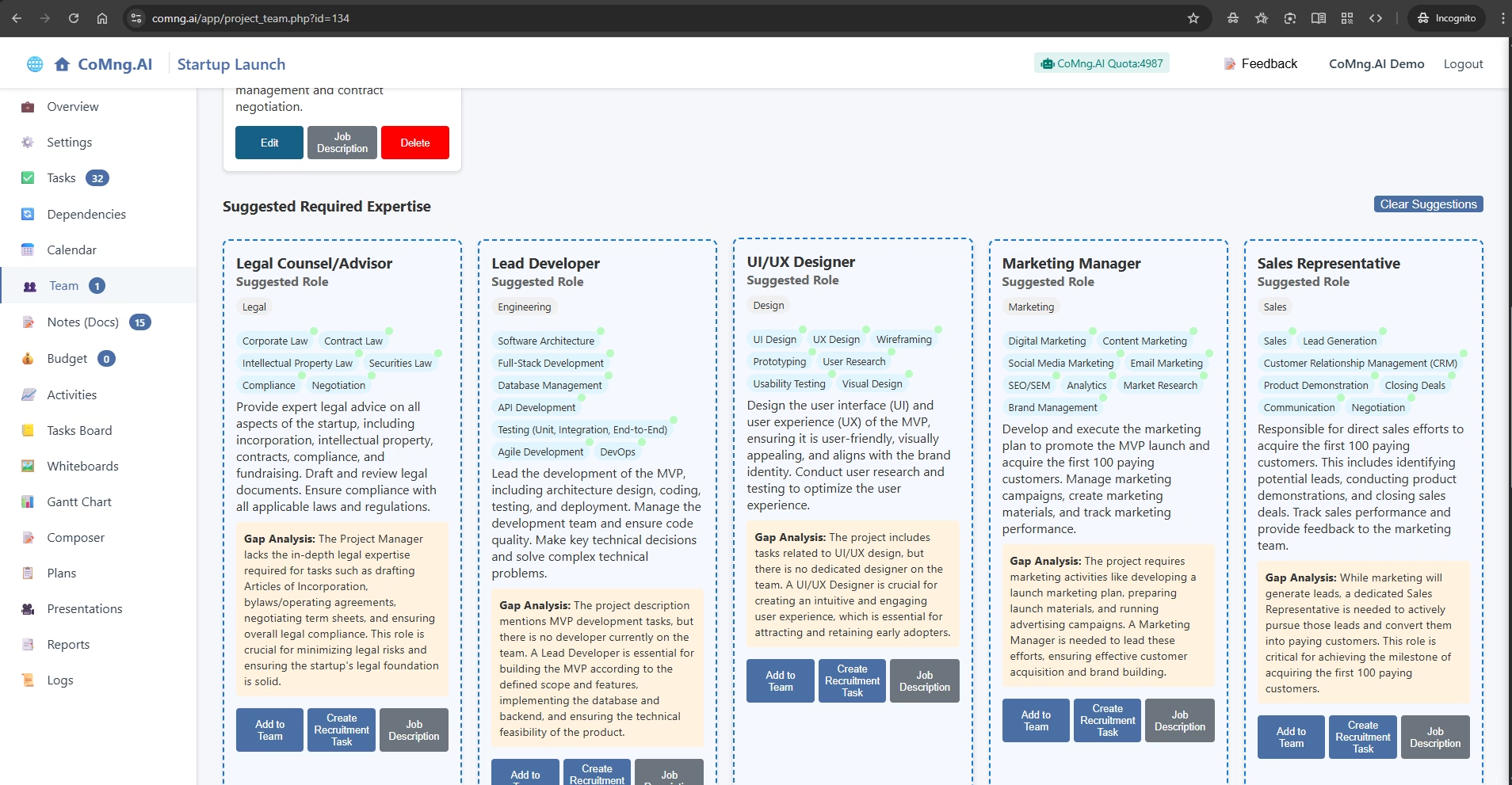
Building and Managing Your Project Team
Explain how to add, edit, and manage team members, and how to use CoMng.AI’s powerful tools to identify skill gaps and suggest required roles for project success
-
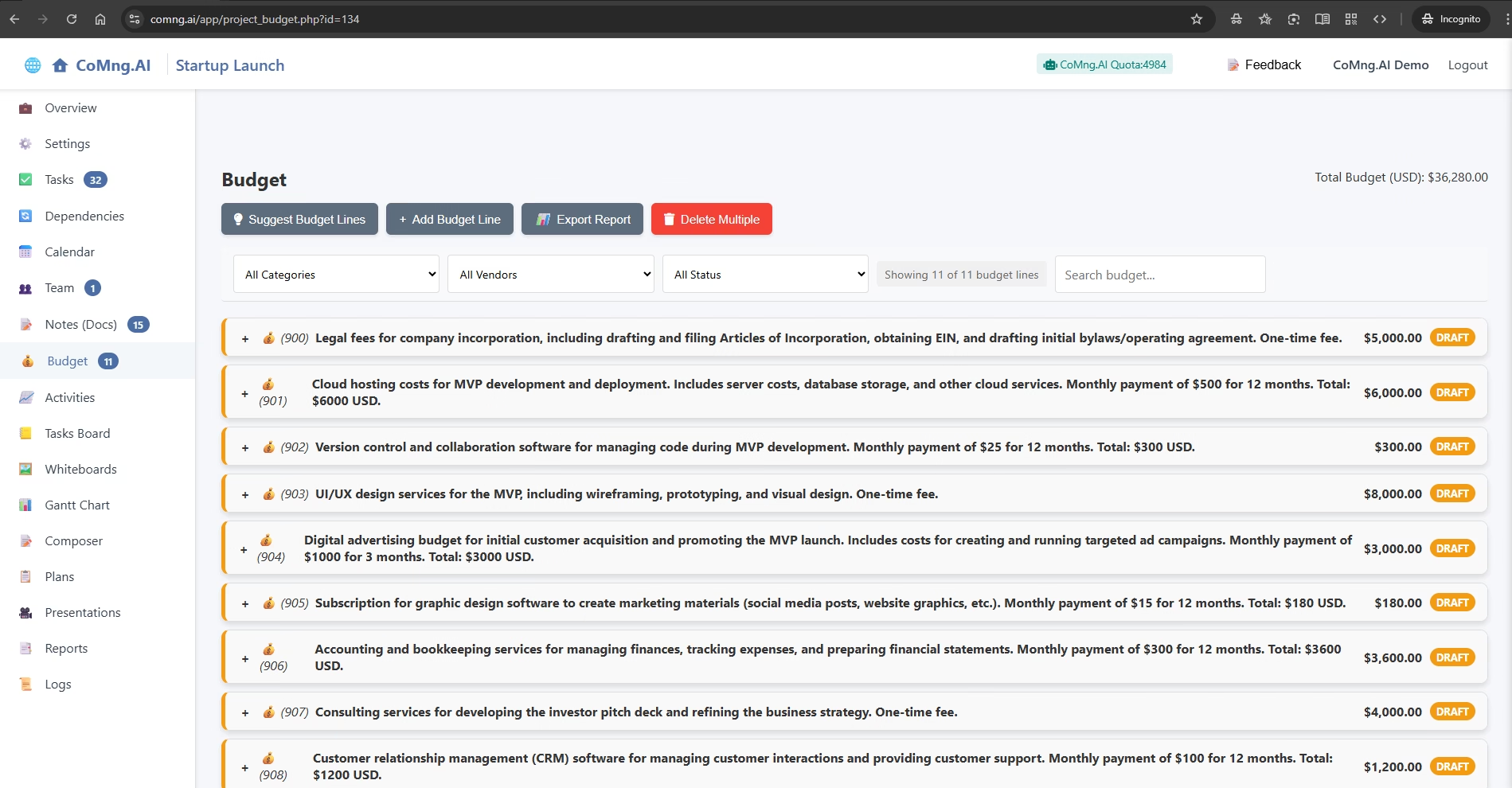
AI-Powered Budgeting and Financial Planning
Explain how to use the Budget section to create, manage, and analyze project expenses with the help of powerful AI tools
-
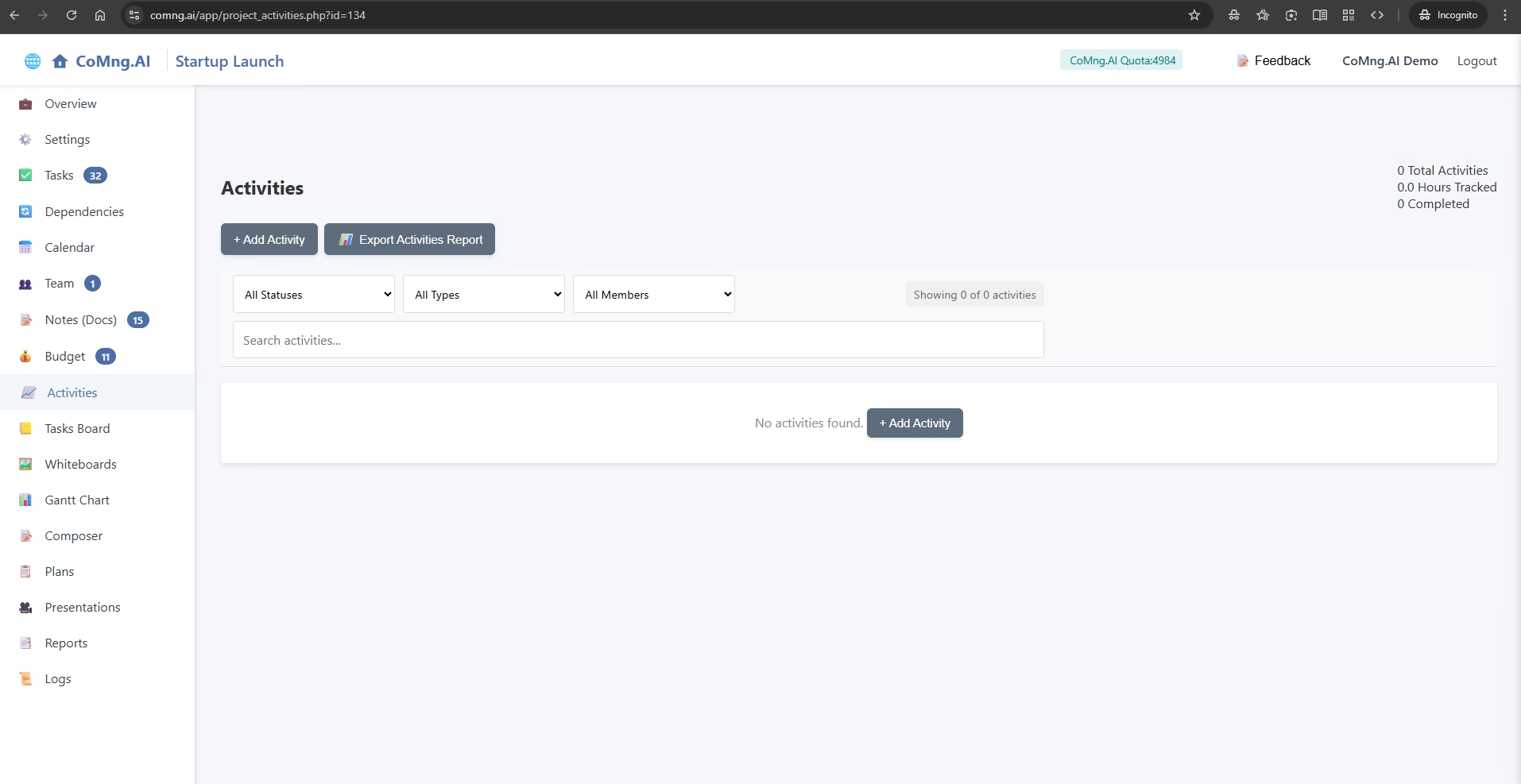
Tracking Time and Effort with Activities
Explain how to log time and report work in the Activities section, and how this data impacts project-level reporting
-
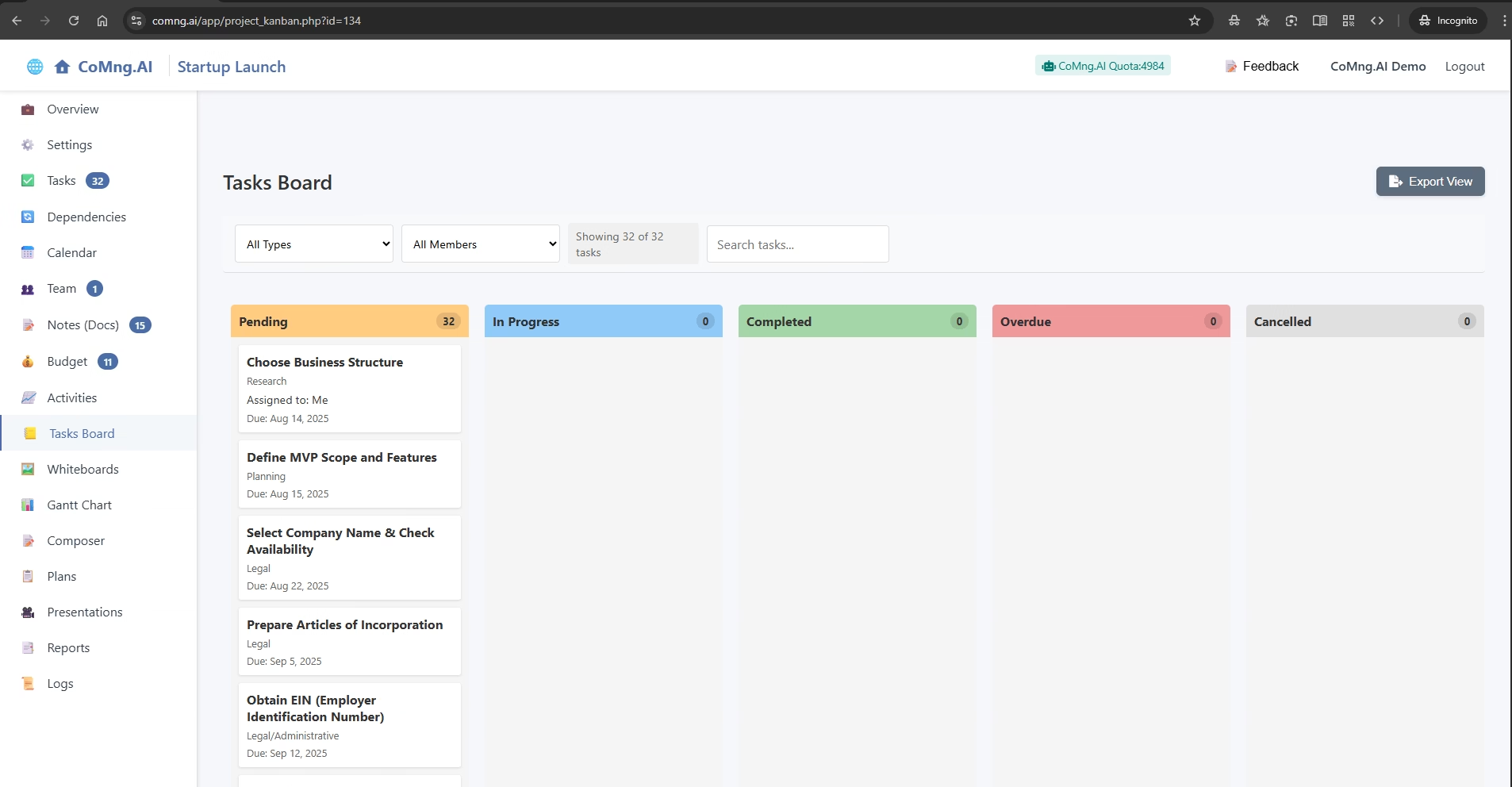
Visualizing Your Workflow with the Task Board
Explain how to use the Kanban-style Task Board to visually track and update task statuses using a simple drag-and-drop interface