Your project tracking software just generated a beautifully structured, data-rich status report in under three minutes. Every milestone, risk, budget variance, and team update – organized, formatted, and ready to share.
Now the real work begins.
Not because the AI got it wrong. But because you haven’t had a chance to get it right yet.
This is the misunderstood middle ground of AI-powered project management: the space between “AI generated it” and “stakeholder approved it.” Skipping this space is where reputations get damaged, trust erodes, and otherwise great technology gets unfairly blamed for human oversight.
The good news? This step doesn’t take long – if you have a system. And that’s exactly what the AI Audit Loop is: a repeatable, three-step process that takes 15–20 minutes and turns a good AI-generated report into a great one you’re genuinely proud to send.
Why Even the Best AI Reports Need a Human Pass
Before we get into the checklist, let’s be honest about what AI project management tools are brilliant at – and where they need you.
AI is exceptional at:
- Aggregating data from hundreds of tasks without missing a single one
- Flagging statistical anomalies (budget variance, schedule drift, overdue task clusters)
- Structuring information in a logical, professional format
- Identifying risks based on patterns your project shares with thousands of others
- Generating comprehensive documentation in minutes instead of hours
AI needs you for:
- Organizational context it can’t see (“The CFO already knows about the budget variance – she approved it last Tuesday”)
- Relationship dynamics (“This milestone is technically late, but the client requested the delay in writing”)
- Strategic framing (“The report data is accurate, but the narrative needs to reflect our Q4 pivot”)
- Gut-check on tone (“This risk is flagged as High, but leadership will panic – we need to pair it with the mitigation plan we’ve already activated”)
- Facts that live outside the platform (a verbal agreement, an email not logged, a decision made in a hallway)
The AI Audit Loop isn’t about distrust. It’s about recognizing that you and the AI are a team – and the final report should reflect the best of both.
Meet CoMng.AI’s Report Generation Engine
Before walking through the checklist, a quick note on the platform this guide is built around.
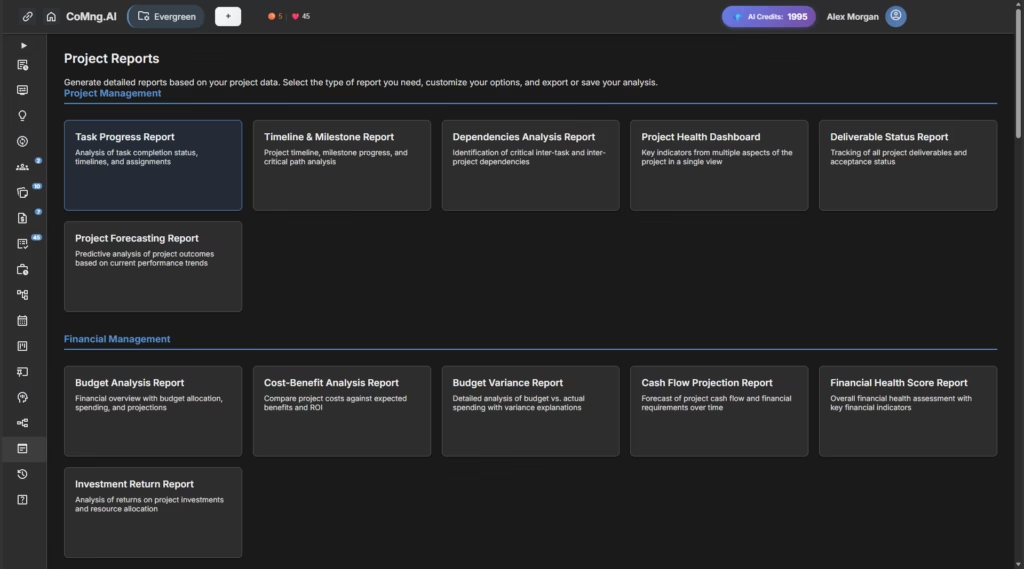
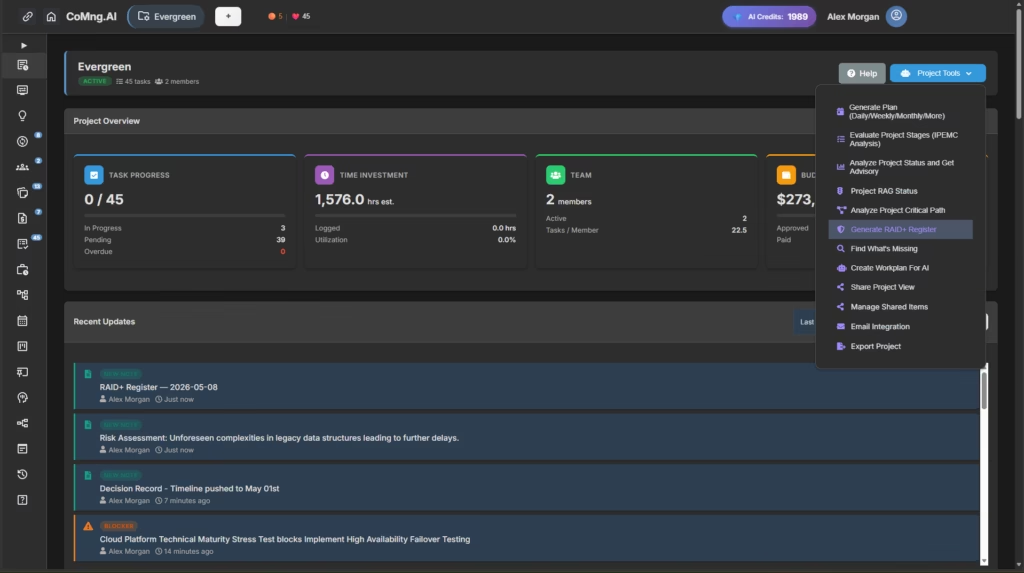
CoMng.AI is an AI-native project management platform – meaning AI isn’t bolted onto a legacy tool, it’s woven into every feature from the ground up. Its reporting engine automatically generates status reports across multiple dimensions: task progress, budget health, risk status, team performance, milestone tracking, and executive summaries.
The reports pull live data from every corner of your project: active tasks, logged activities, budget line items, risk assessments, and team assignments. In most cases, a full project status report is ready in under five minutes.
That speed is the point. And that speed is also exactly why the Audit Loop matters.
The AI Audit Loop: Your 3-Step Checklist
Step 1: The Data Integrity Check ✓
“Is every number in this report accurate and current?”
This is the most mechanical step – and the most important. AI reports are only as accurate as the data inside your project management software. Before anything else, verify the raw facts.
What to check:
Task completion rates Open your Kanban board or task list alongside the report. Do the completion percentages match reality? Watch specifically for:
- Tasks marked “In Progress” that are actually done (team forgot to update)
- Tasks marked “Completed” that are done but awaiting client sign-off
- Overdue tasks the report flags that actually have an approved extension
Budget figures Cross-reference reported spend against your latest approved figures. AI project management tools track what’s been entered – not necessarily what’s been invoiced, approved, or agreed verbally. Ask:
- Are there expenses approved outside the platform this week?
- Are any budget lines pending approval that the report shows as active?
- Has scope changed in a way that makes a variance look worse than it is?
Milestone dates Check each milestone status against your latest conversations. A milestone can technically be “At Risk” according to system data while simultaneously having a negotiated extension in writing.
Risk probability ratings AI flags risks based on patterns. But some of your “High” probability risks may have already been mitigated through steps taken this week that haven’t been fully logged yet.
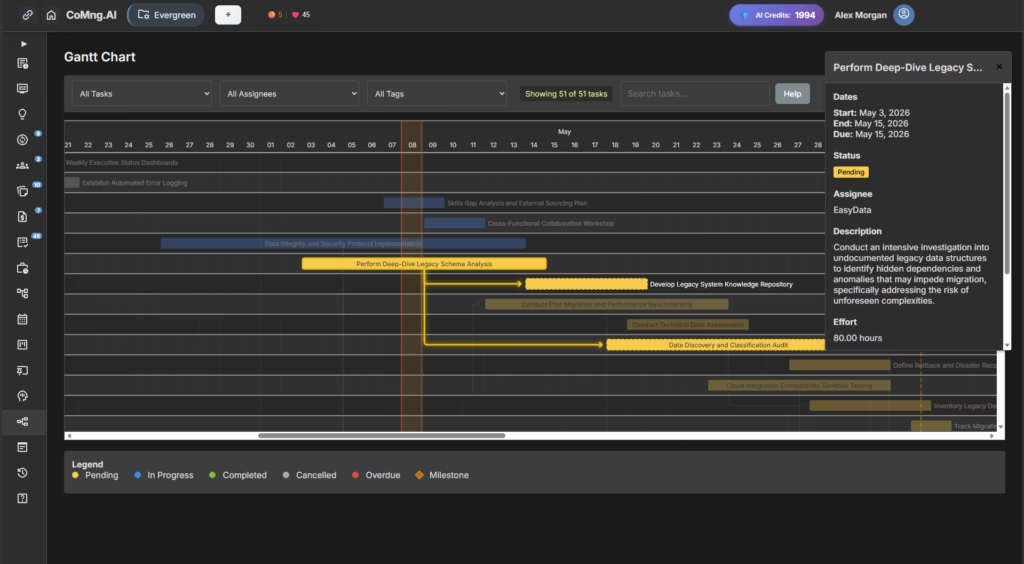
Your audit action: Go through the report section by section. For any figure that surprises you or doesn’t match your memory, trace it back to the source data. Flag corrections needed before moving to Step 2.
Pro tip: Build a standing team habit – have all team members update task statuses by EOD Thursday if your reports go out Friday. This single habit eliminates 80% of Step 1 corrections.
Step 2: The Context Injection ✓
“What does this report not know that a stakeholder absolutely needs to know?”
This is the most valuable step – and the one most often skipped. AI-generated reports are data-complete but context-incomplete. They can only report what’s in the system. Your job in Step 2 is to close the gap between system reality and organizational reality.
Four categories of missing context:
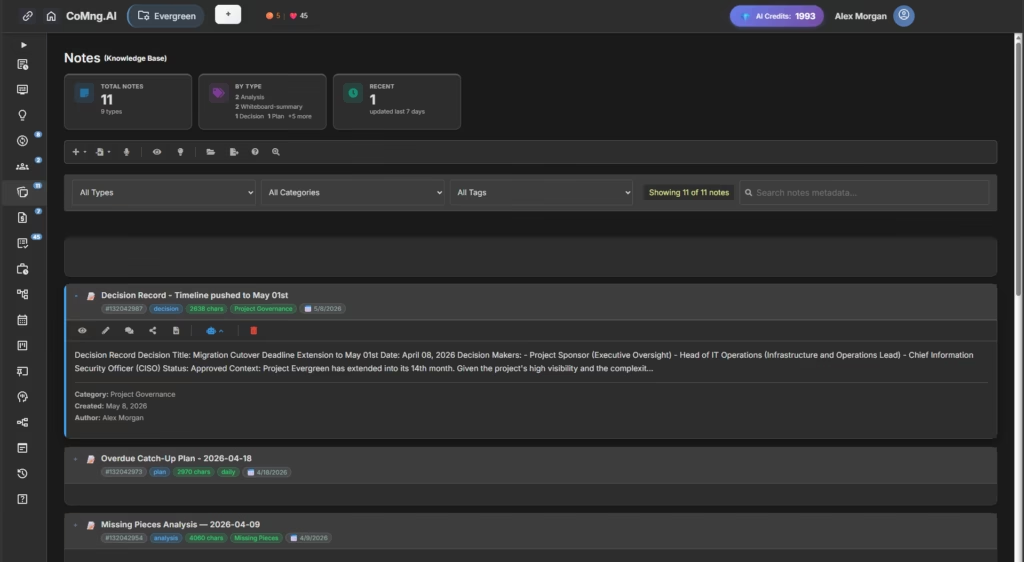
1. Decisions made outside the platform Every project has them: the call where the sponsor changed the scope, the Slack message that granted a two-week extension, the budget adjustment approved in a leadership meeting. None of these automatically live in your project management software.
Audit question: “What decisions have been made in the last two weeks that a stakeholder reading this report wouldn’t know about from the data alone?”
2. Relationship and political context Your AI doesn’t know that the Head of Engineering and the VP of Product are in a disagreement about the technical approach. It doesn’t know the client had a difficult quarter and is extra sensitive about delays. This context shapes how you present data, not the data itself.
Audit question: “Is there anything in this report that could land badly with this specific audience given what I know about current dynamics?”
3. Progress that isn’t yet logged AI tracks logged work. Significant progress made this week – a breakthrough prototype, a resolved critical blocker, a contract finally signed – may not be reflected if team members haven’t updated the platform yet.
Audit question: “What real progress exists this week that a stakeholder would want to know about, even if it’s not fully logged in the system?”
4. The ‘why’ behind the numbers Budget variance at 12% over? The report shows the number. You know why – an approved scope addition in Week 3. The AI can note the variance; only you can provide the explanation that prevents unnecessary alarm.
Audit question: “For every yellow or red indicator in this report, do I have a clear, honest explanation ready?”
Your audit action: Read through the report as if you’re the stakeholder receiving it cold – no prior context, just the document. Mark every place where a reasonable person would have a question, concern, or misunderstanding. Add context sentences or a “Report Notes” section to address each one.
Platform tip: CoMng.AI’s Knowledge Base feature is your long-term solution here. The more decisions, meeting notes, and approvals you log directly in the platform, the more context the AI has to draw from – and the less manual Step 2 work you do each cycle.
Step 3: The Narrative Alignment Check ✓
“Does this report tell the right story for this audience at this moment?”
Data accuracy is the floor. Narrative alignment is the ceiling. This step is where you put on your communication hat and ask whether the framing of the report serves your stakeholders well.
This is not about spinning data or hiding problems. It’s about ensuring that an accurate, honest report communicates clearly rather than just reporting accurately.
The four narrative questions:
1. Is the report calibrated to this audience? A technical deep-dive appropriate for a PMO review is not appropriate for a board-level update. CoMng.AI generates comprehensive reports – your job is to match the detail level to who’s reading.
- Executive stakeholders: Lead with outcomes, not activity. Highlight decisions they need to make, not tasks the team completed.
- Operational stakeholders: More detail on task-level status is appropriate here.
- External clients: Focus on milestones, deliverables, and timeline. Often remove internal team performance data.
2. Are risks presented with their mitigations? AI-flagged risks presented without context create unnecessary anxiety. Every risk your report surfaces should be accompanied by the mitigation strategy already in motion.
The rule: Never present a problem without presenting what you’re doing about it.
This is where CoMng.AI’s risk management capability earns its keep. The platform automatically generates mitigation strategies alongside every identified risk – make sure these are included in the stakeholder version of the report.
3. Does the opening reflect where you actually are? AI report openings tend to be neutral and structural. Stakeholders form impressions in the first paragraph. Take 60 seconds to write a human opening sentence that honestly characterizes the current project state:
- “This project is on track for its May 30 delivery date, with one budget line under active review.”
- “We’ve resolved two of the three blockers from last week’s report. The third has a mitigation plan in place, outlined in Section 4.”
- “This week’s progress puts us ahead of schedule on development and slightly behind on documentation – details and recovery plan below.”
4. Is the call to action clear? Every stakeholder report should close with explicit clarity on what you need from the stakeholder, if anything. AI reports often end with data. Your audit should add a clear closing:
- Decisions needed from leadership
- Approvals required before next milestone
- Information you’re waiting on from stakeholders
- Or simply: “No action required – next update [date]”
Your audit action: Read your final report out loud, imagining you’re the most skeptical person in your stakeholder group. Does it hold up? Does it tell a clear, honest, useful story? If yes – you’re done.
Building the Audit Loop Into Your Workflow
The AI Audit Loop is most powerful when it becomes a scheduled ritual, not a reactive scramble.
Recommended workflow:
| Day | Action |
|---|---|
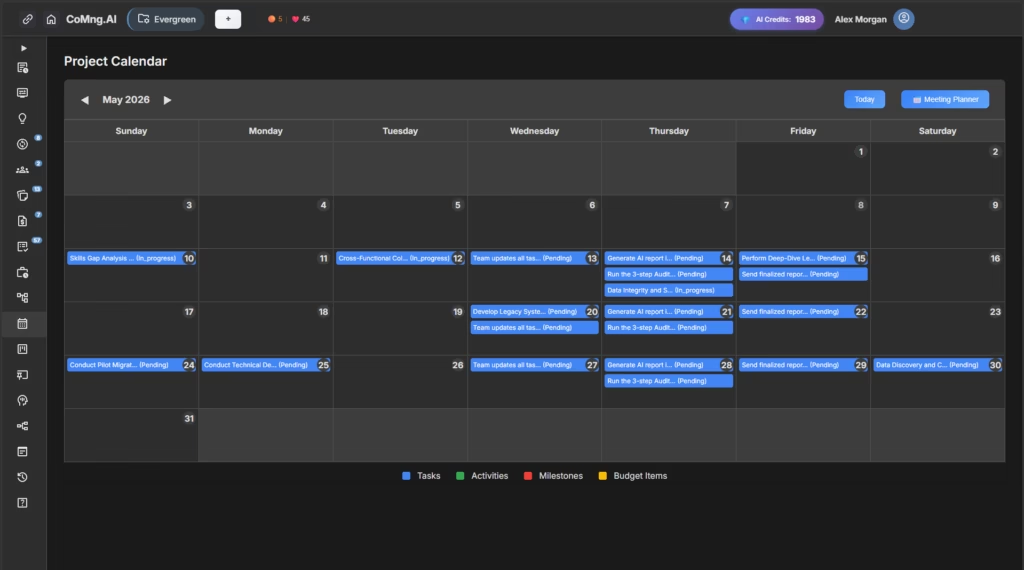
| Wednesday EOD | Team updates all task statuses, logs activities, flags new risks |
| Thursday morning | Generate AI report in CoMng.AI |
| Thursday afternoon | Run the 3-step Audit Loop (15–20 min) |
| Friday morning | Send finalized report to stakeholders |
This rhythm creates a buffer between generation and distribution – and eliminates the last-minute panic of discovering an error after the email is sent.
The Bigger Picture: Human + AI Project Management
Here’s the honest truth about where AI project management tools deliver their greatest value – and it’s not in replacing human judgment. It’s in giving human judgment better material to work with.
Before AI-native platforms like CoMng.AI, project managers spent 60–70% of their reporting time on collection, aggregation, and formatting. The remaining 30–40% was actual thinking: analysis, communication, decision support.
AI inverts this ratio. Collection and formatting happen automatically. You get 80% of your time back for the thinking work that actually matters – the context, the narrative, the relationships, the strategic framing.
The AI Audit Loop is how you use that time wisely.
It’s not a sign that AI got it wrong. It’s a sign that you’re using AI correctly – as a powerful, tireless first draft engine that makes your expertise more valuable, not less.
Start With One Report
If you’re managing projects today and not yet using AI-powered project tracking software, the time investment to change is lower than you think – and the return is immediate.
CoMng.AI offers a free usage with full access to its report generation engine, risk management tools, and the complete AI-native project framework. Run your next real project in it. Generate your first AI status report. Then run it through the Audit Loop.
You’ll understand within one reporting cycle why project managers who’ve made this shift describe going back as unthinkable.