-
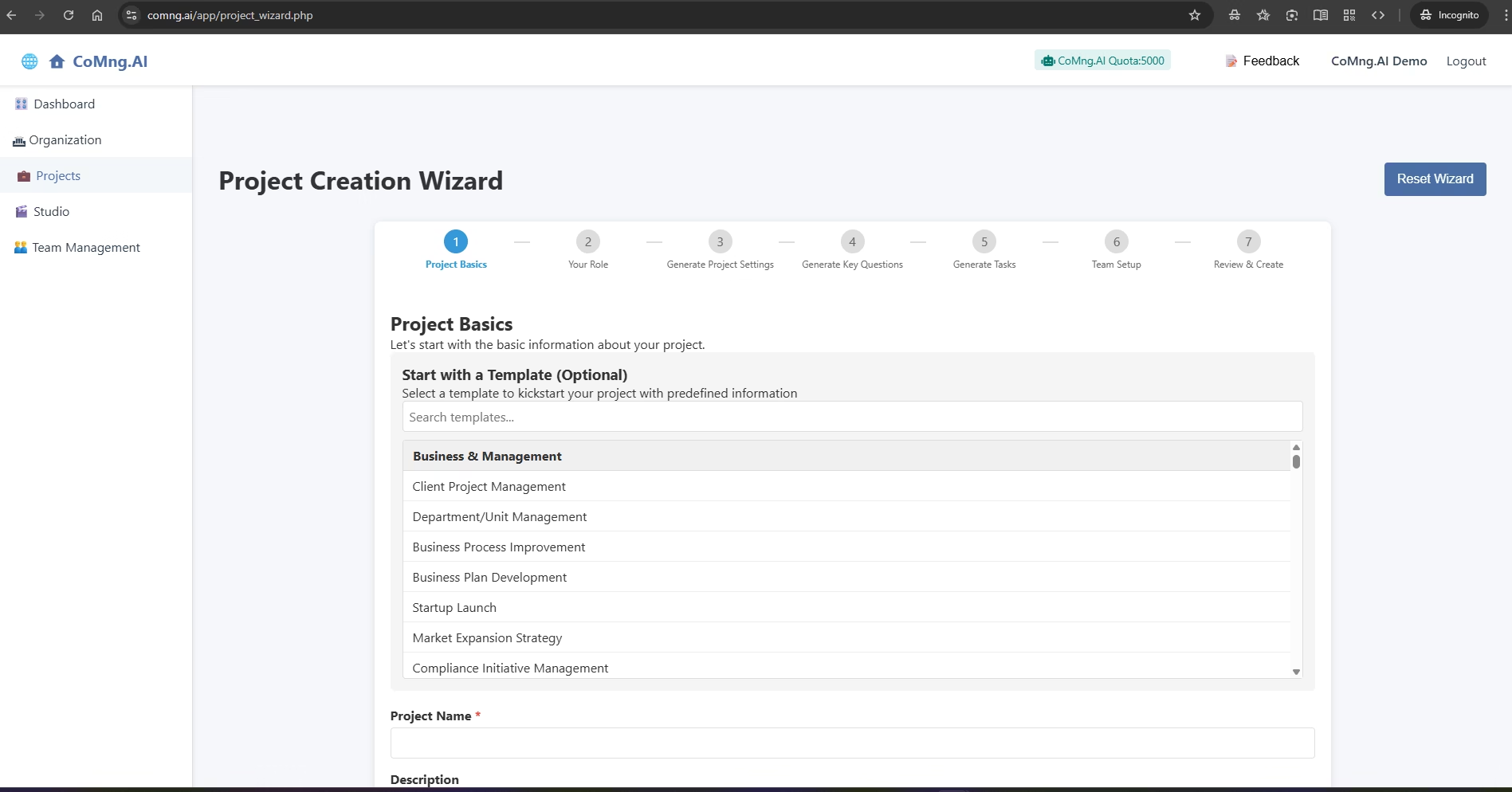
Getting Started: Creating Your First Project
Guide users through creating a new, AI-populated project using the Project Creation Wizard and a template, which is the fastest way to see the value of CoMng.AI
-
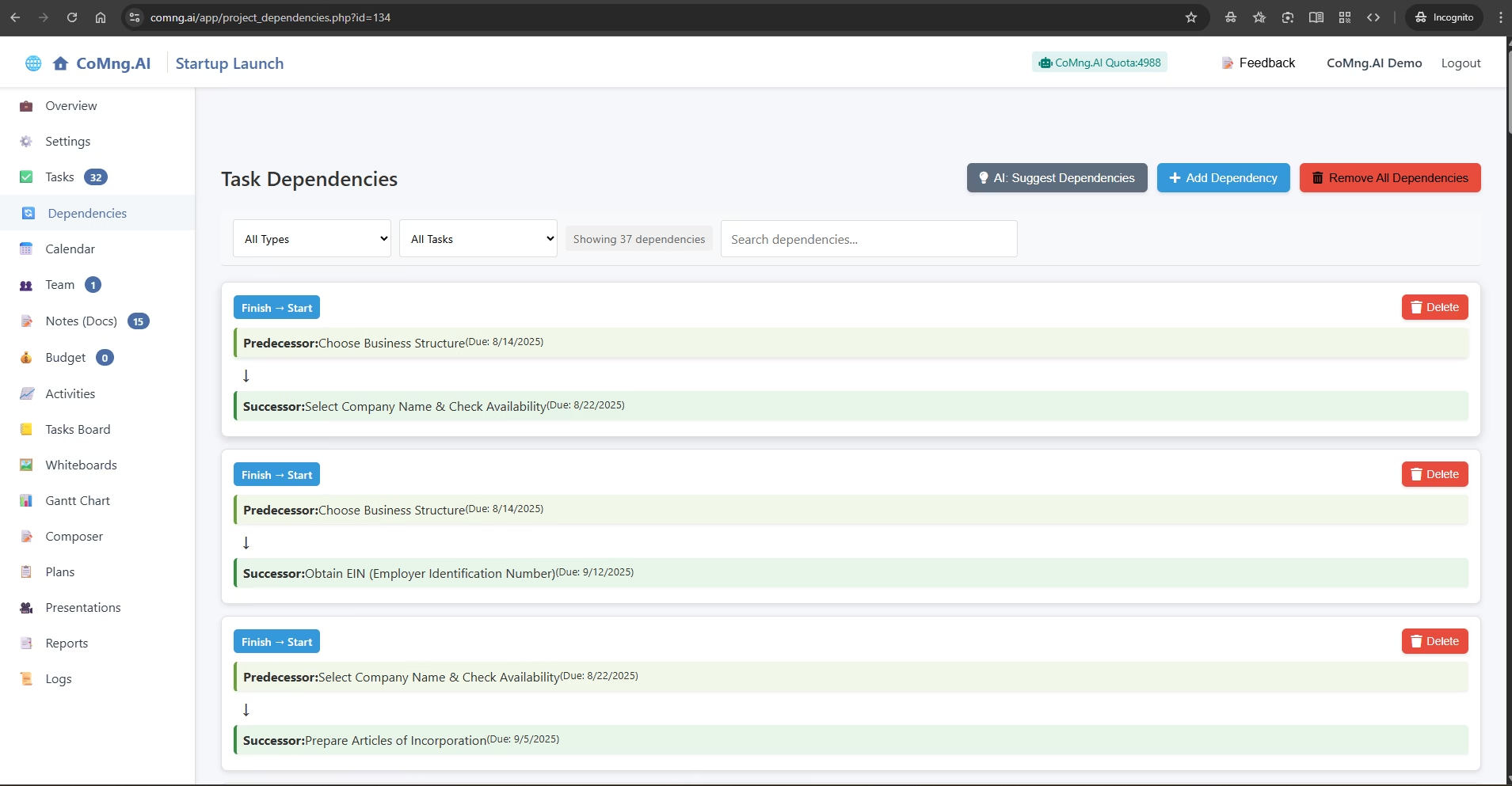
Visualizing and Managing Task Dependencies
Explain how to use CoMng.AI to automatically discover, manually create, and manage the dependencies between tasks, ensuring a logical and efficient project flow
-
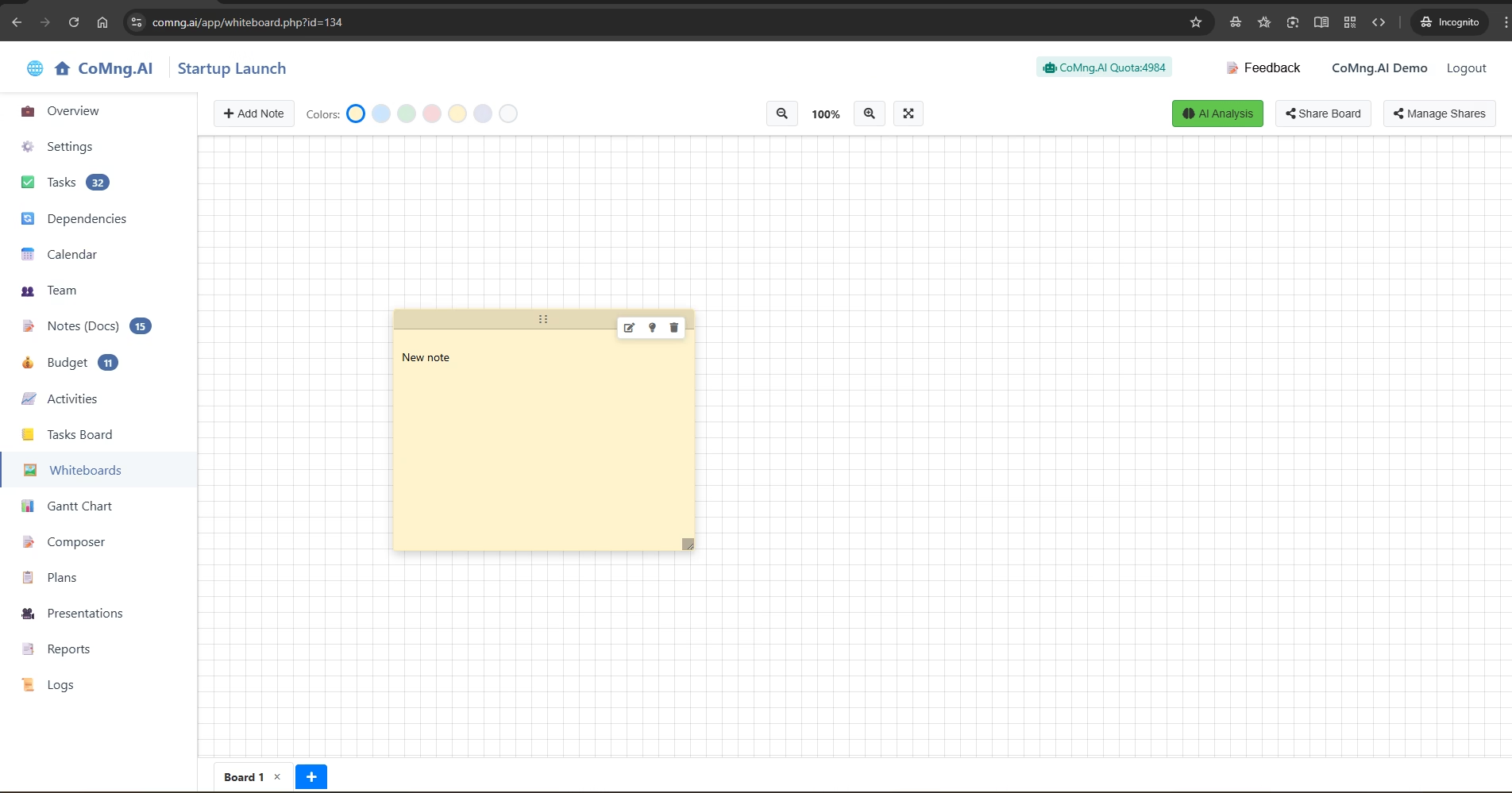
Brainstorming and Ideation with Digital Whiteboards
Explain how to use the freeform Whiteboard feature for brainstorming with sticky notes and how to leverage its powerful AI analysis and sharing capabilities
-
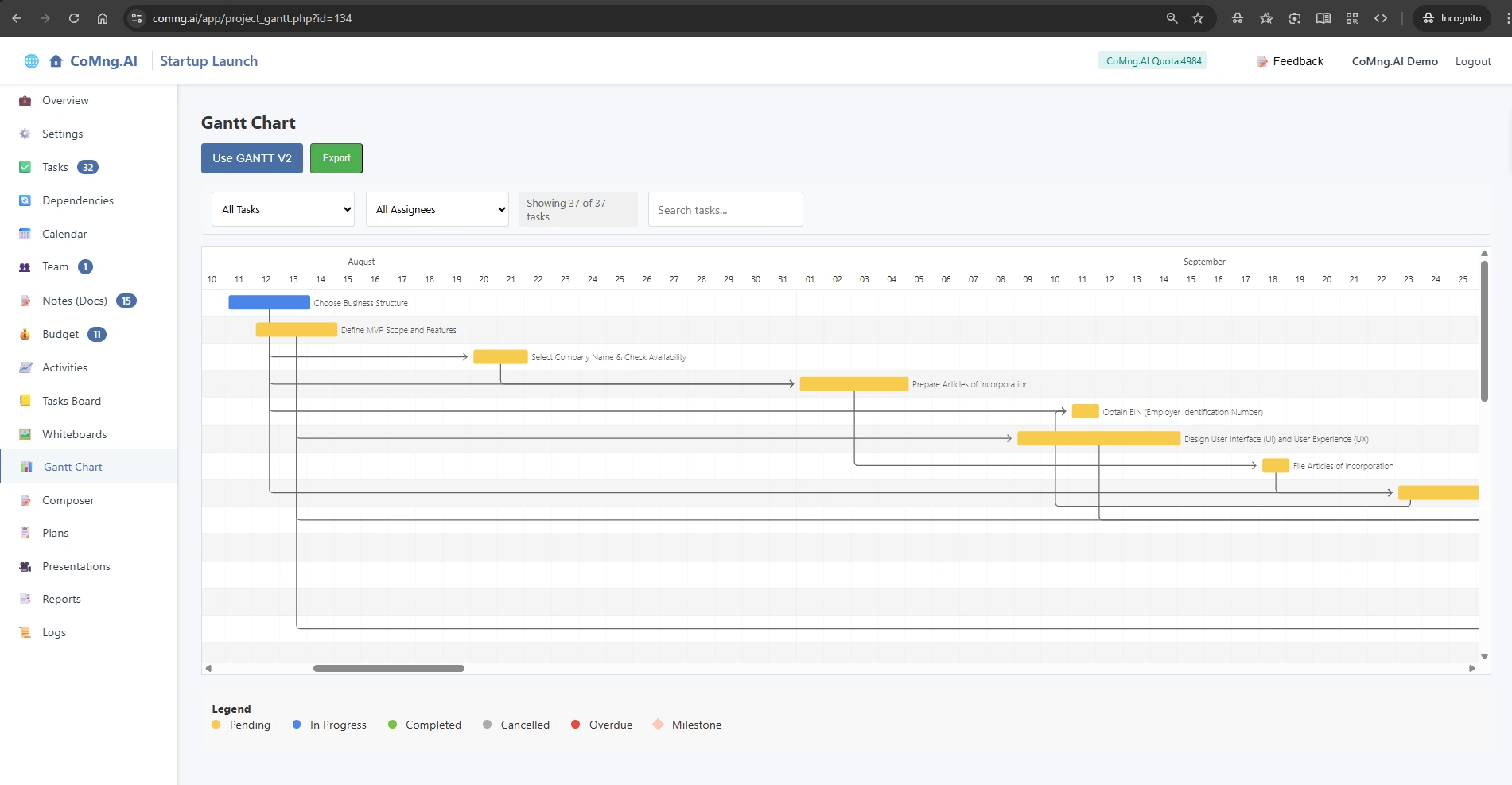
Visualizing Your Project Timeline with the Gantt Chart
Explain how to use the Gantt Chart to see a visual representation of the project timeline, understand task relationships and durations, and track progress over time
-
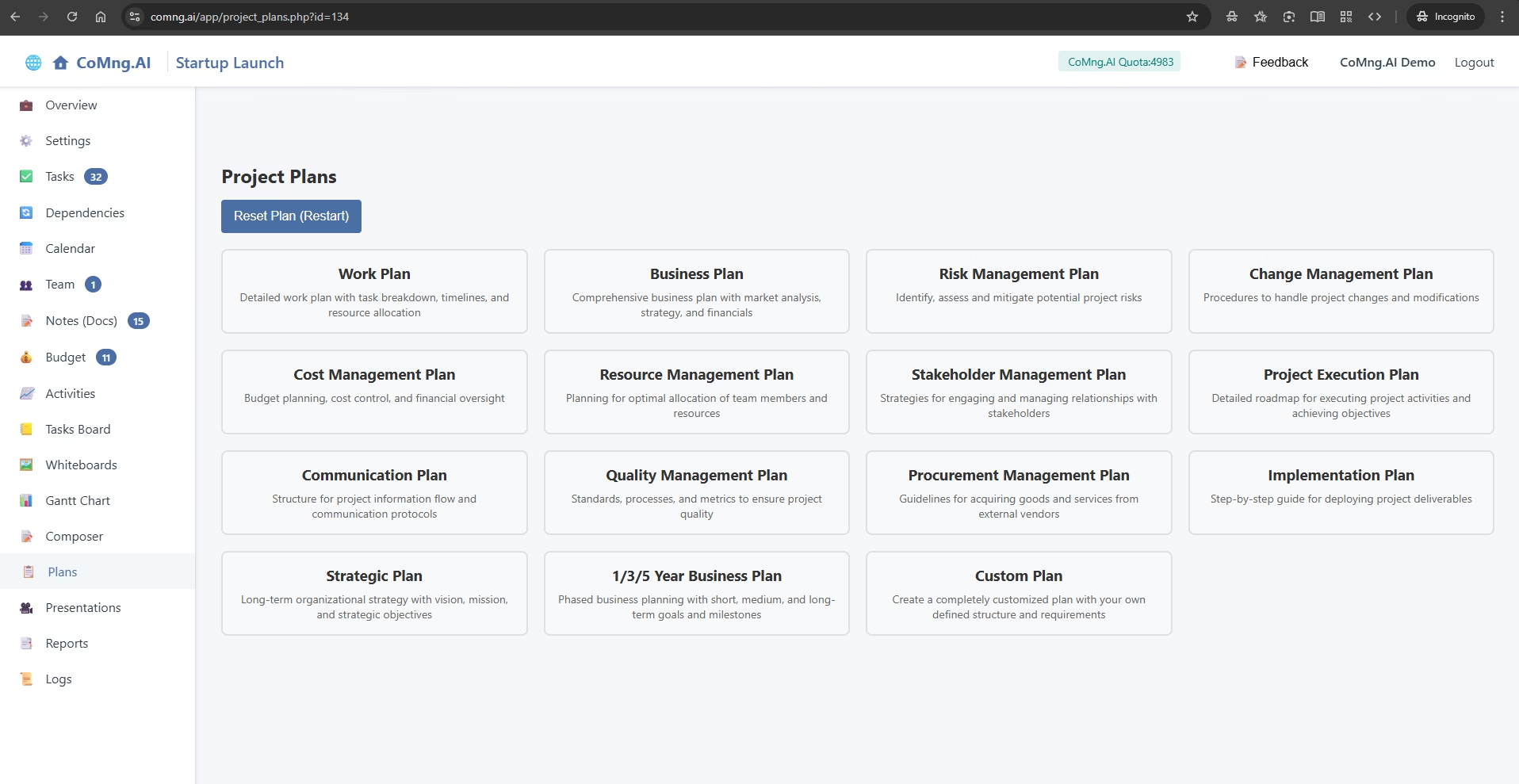
Generating Strategic Documents with Project Plans
Explain the powerful three-step process for using the Project Plans generator to create comprehensive, data-driven strategic documents like Business Plans, Work Plans, and more