Tag: project-managers
-
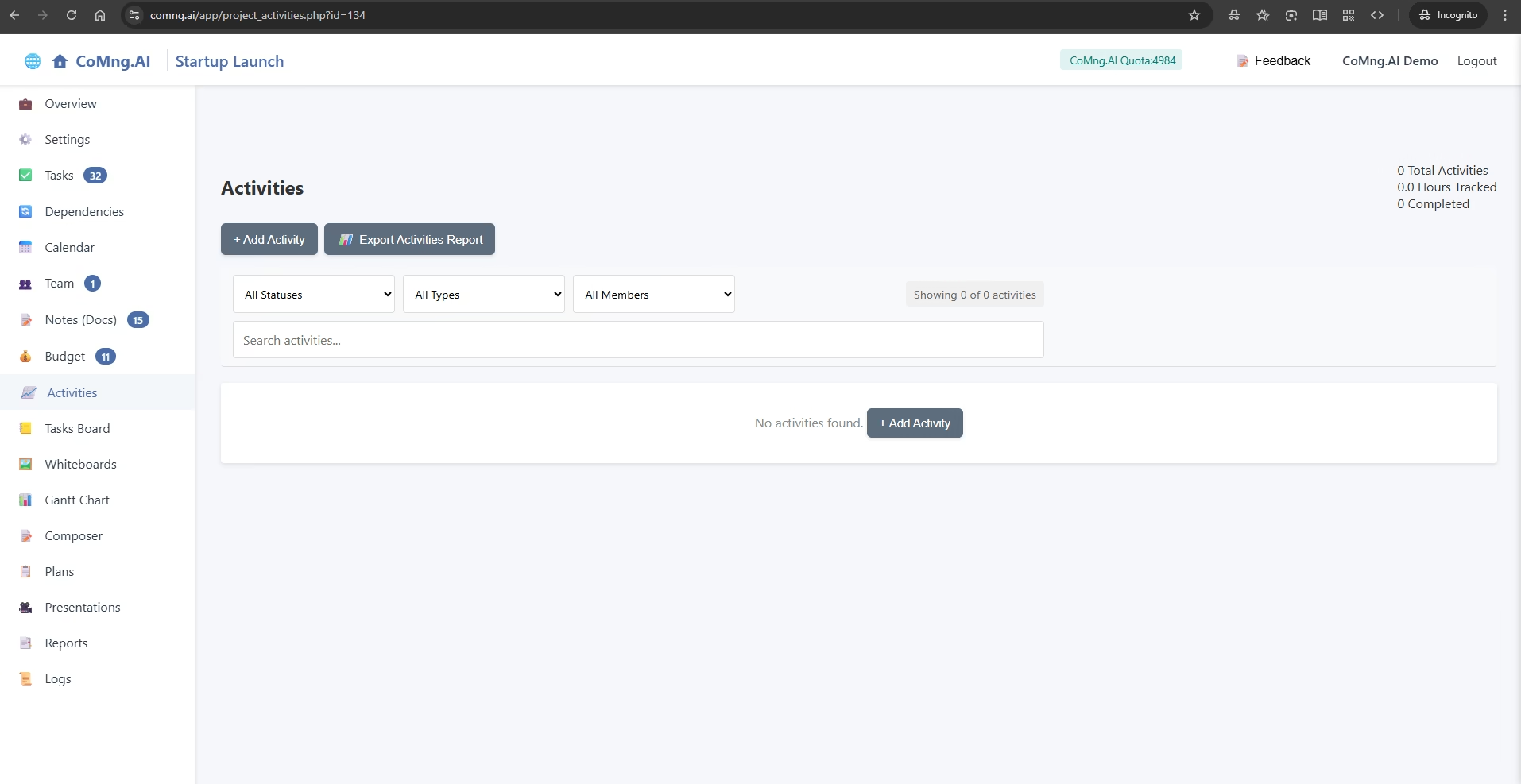
Explain how to log time and report work in the Activities section, and how this data impacts project-level reporting
-
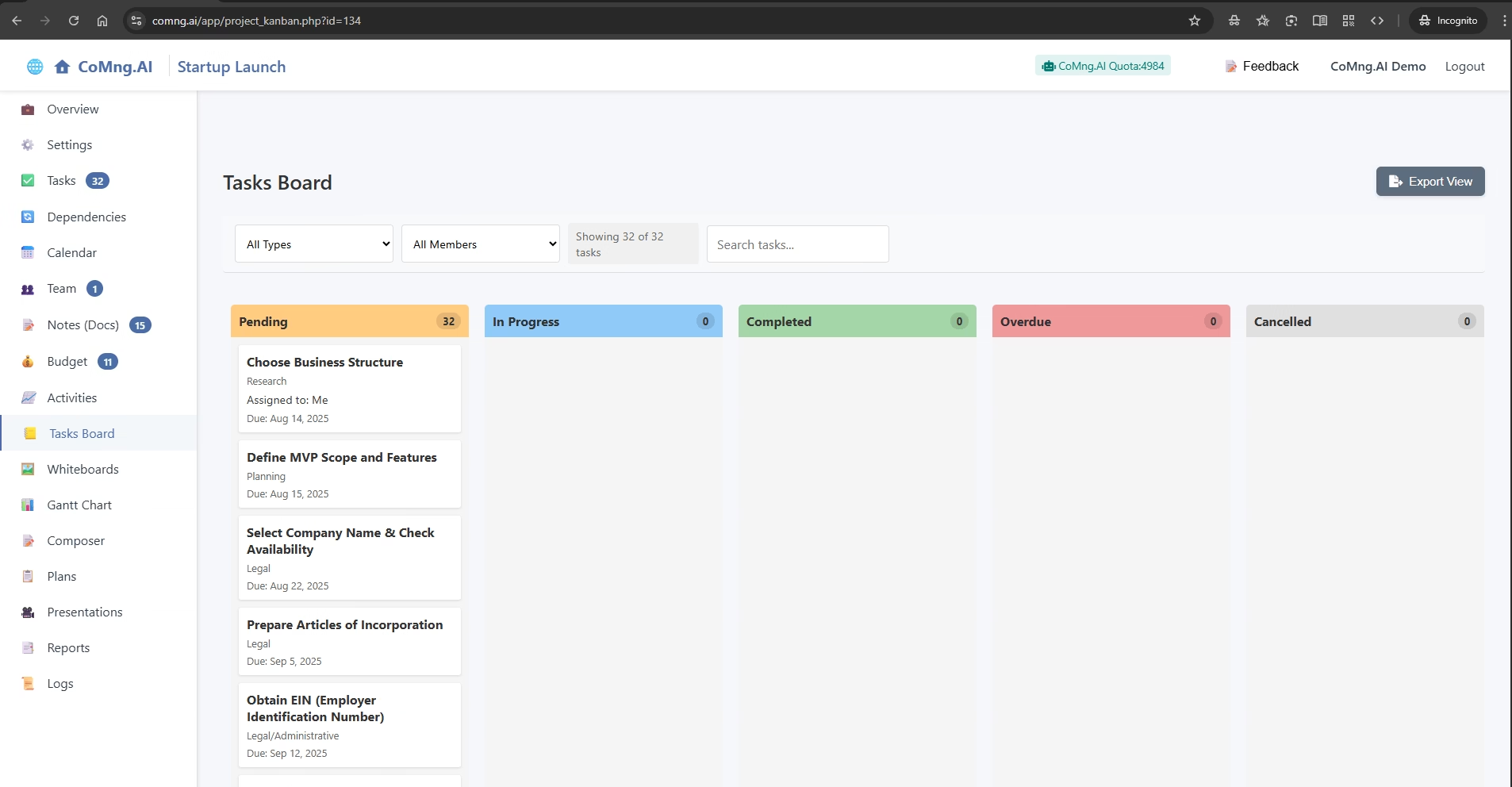
Explain how to use the Kanban-style Task Board to visually track and update task statuses using a simple drag-and-drop interface
-
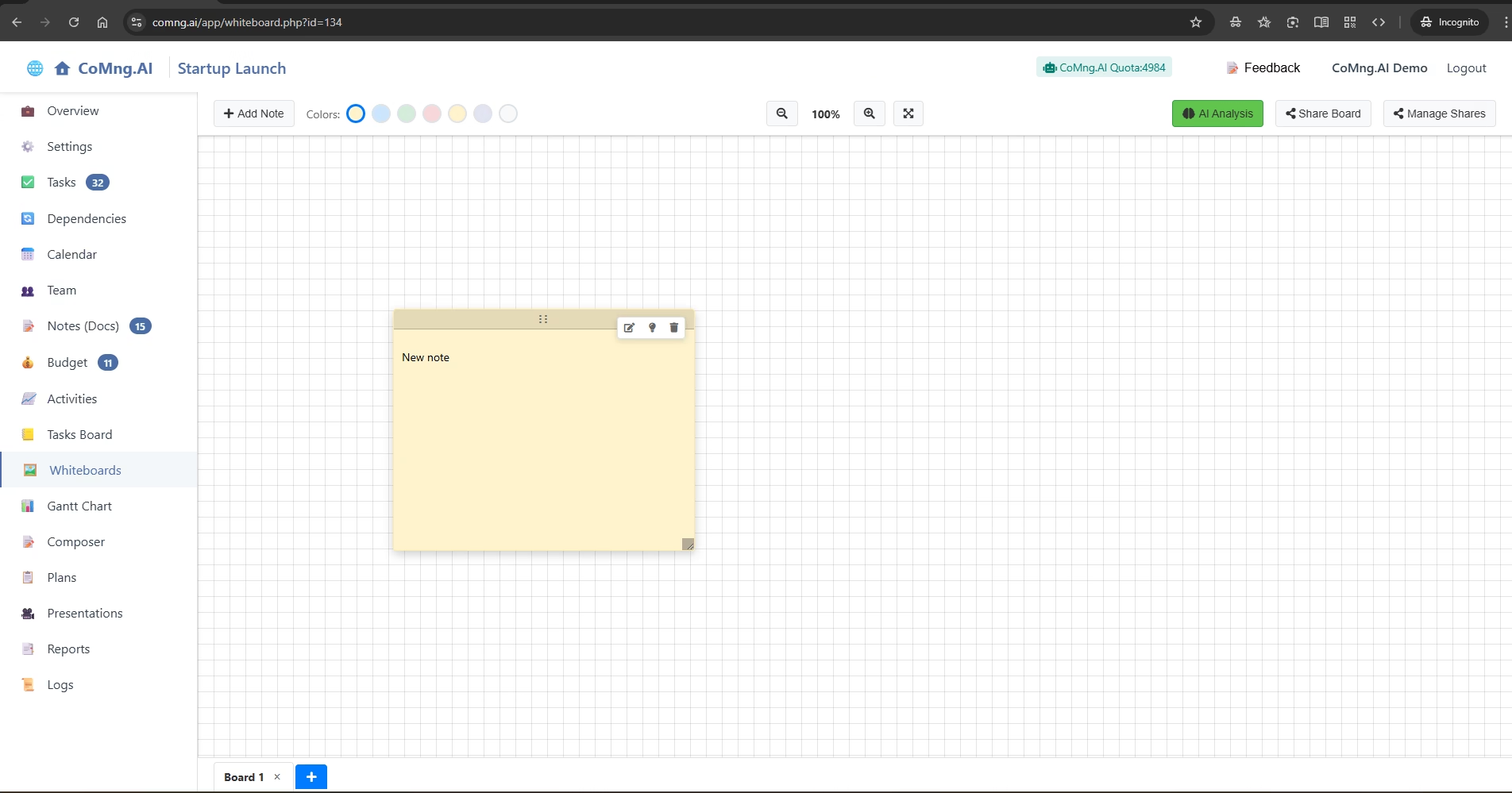
Explain how to use the freeform Whiteboard feature for brainstorming with sticky notes and how to leverage its powerful AI analysis and sharing capabilities
-
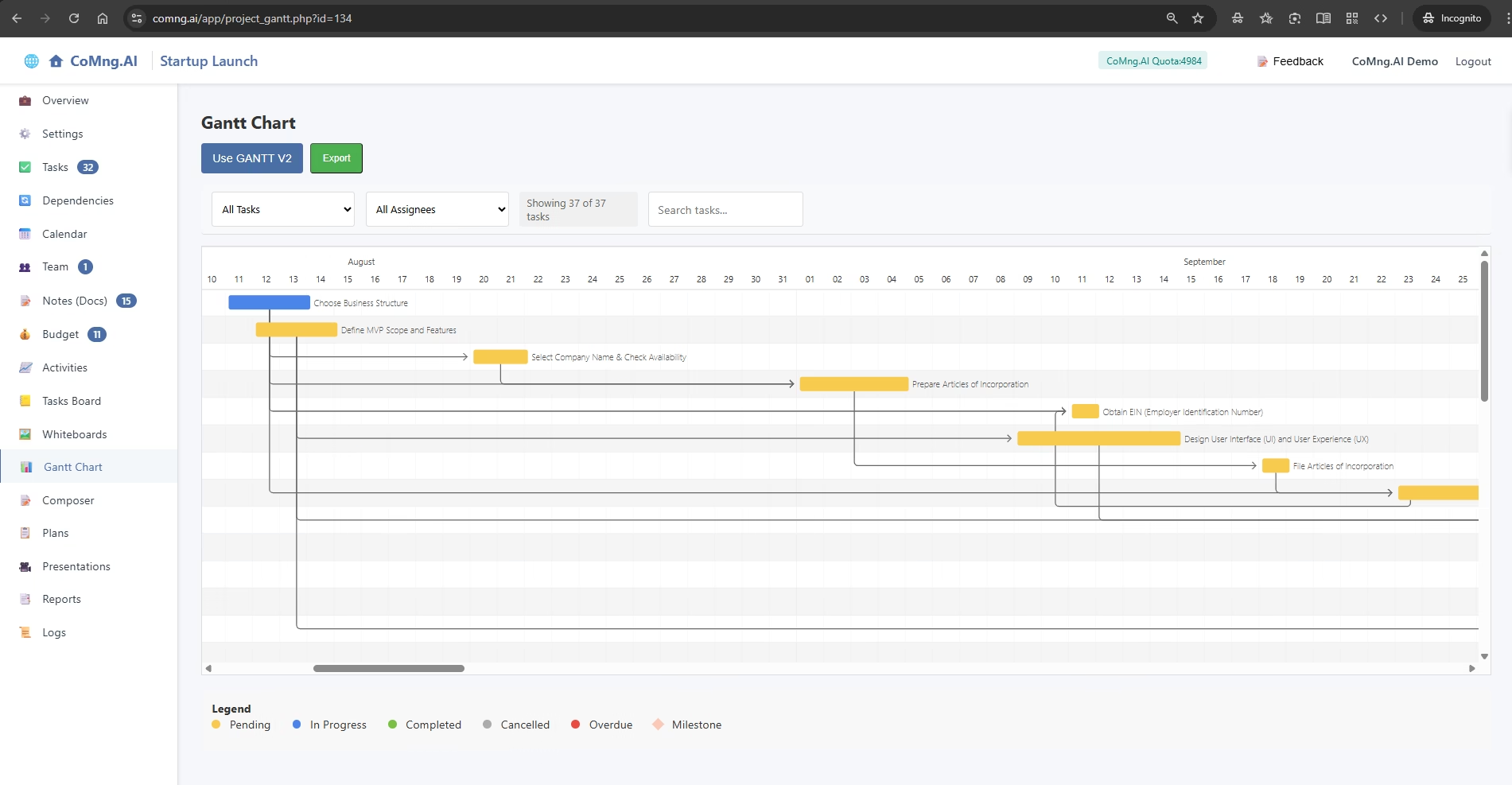
Explain how to use the Gantt Chart to see a visual representation of the project timeline, understand task relationships and durations, and track progress over time
-
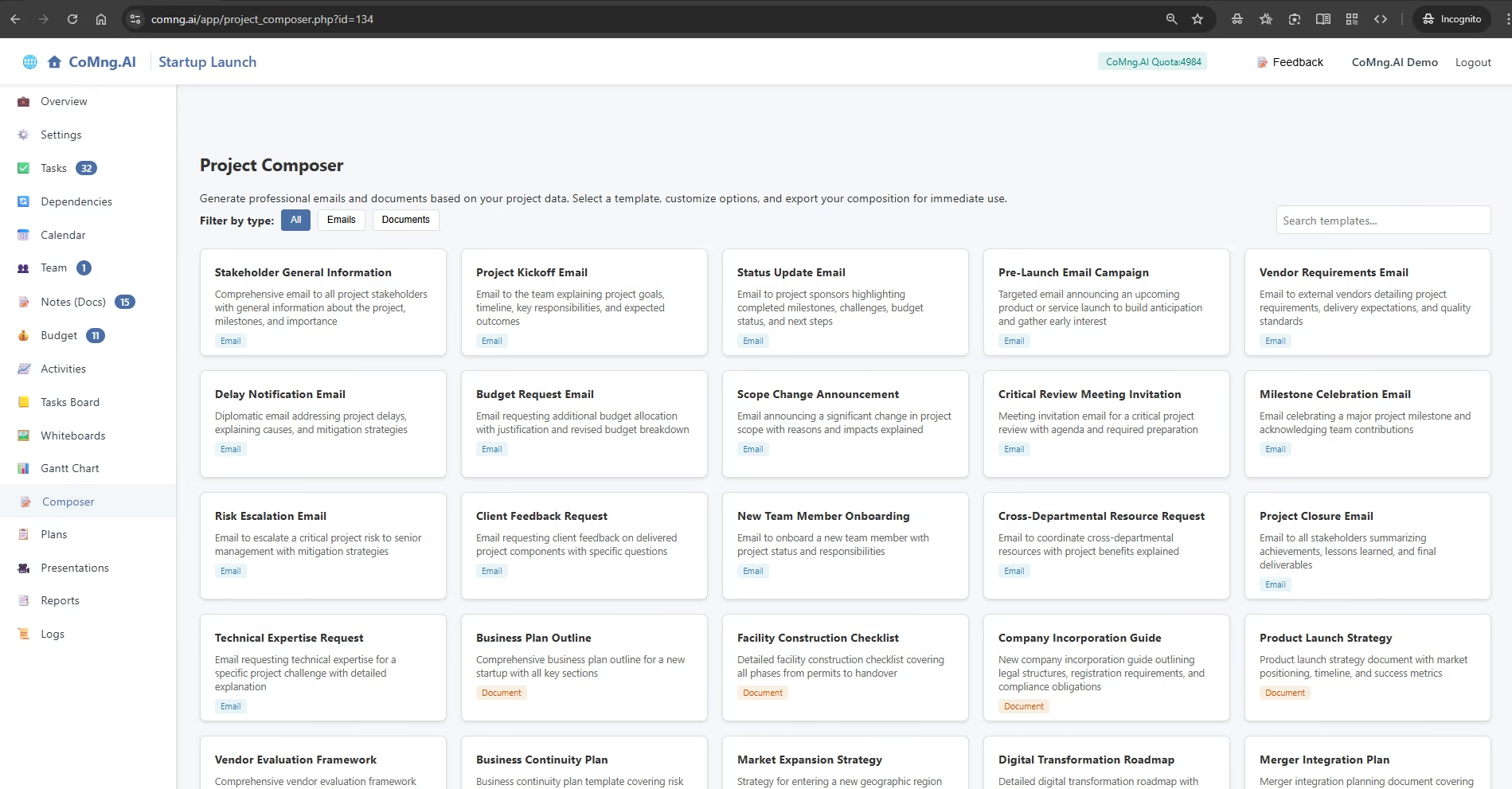
Explain how to use the Composer to instantly generate context-aware, professional emails and documents based on live project data
-
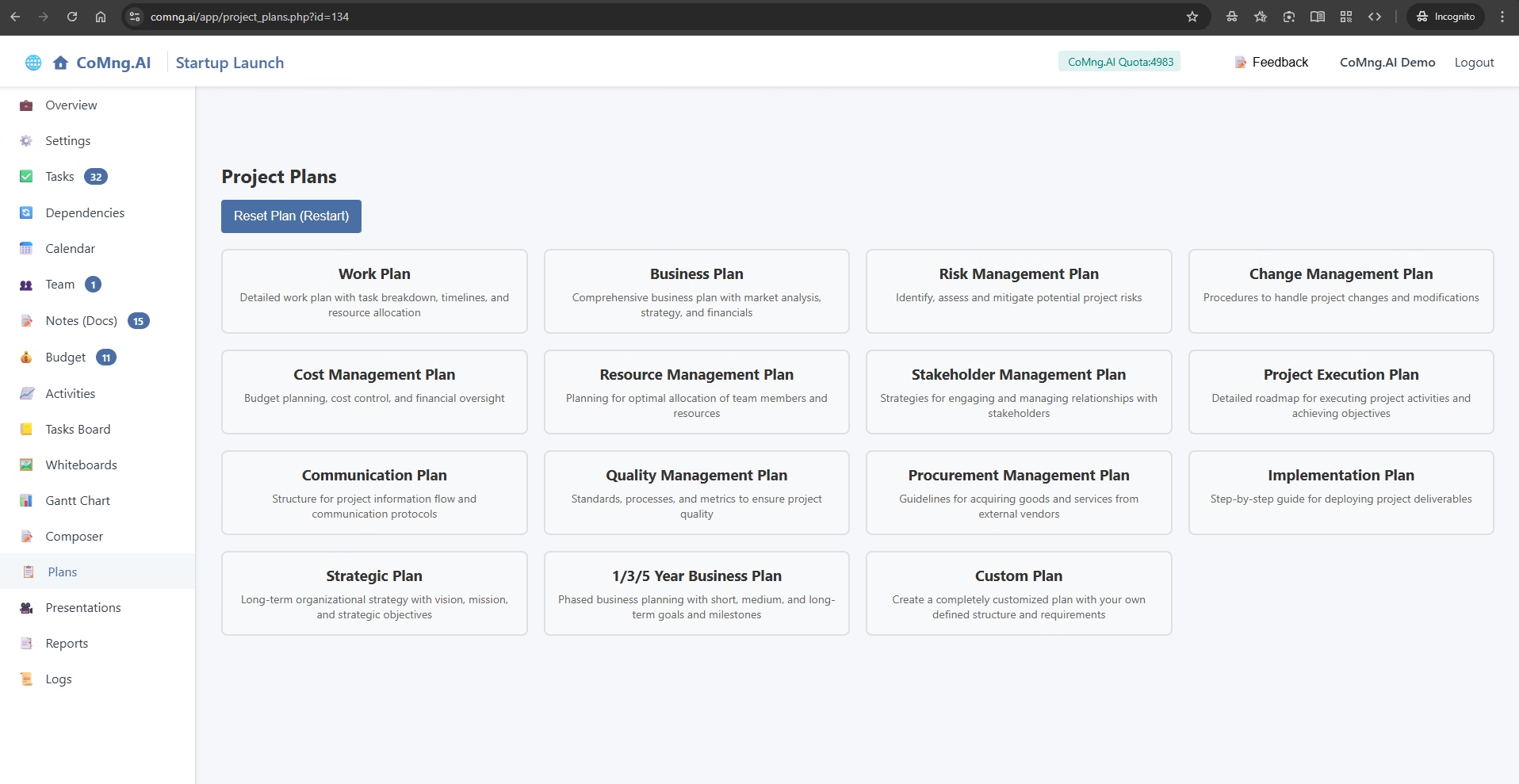
Explain the powerful three-step process for using the Project Plans generator to create comprehensive, data-driven strategic documents like Business Plans, Work Plans, and more
-
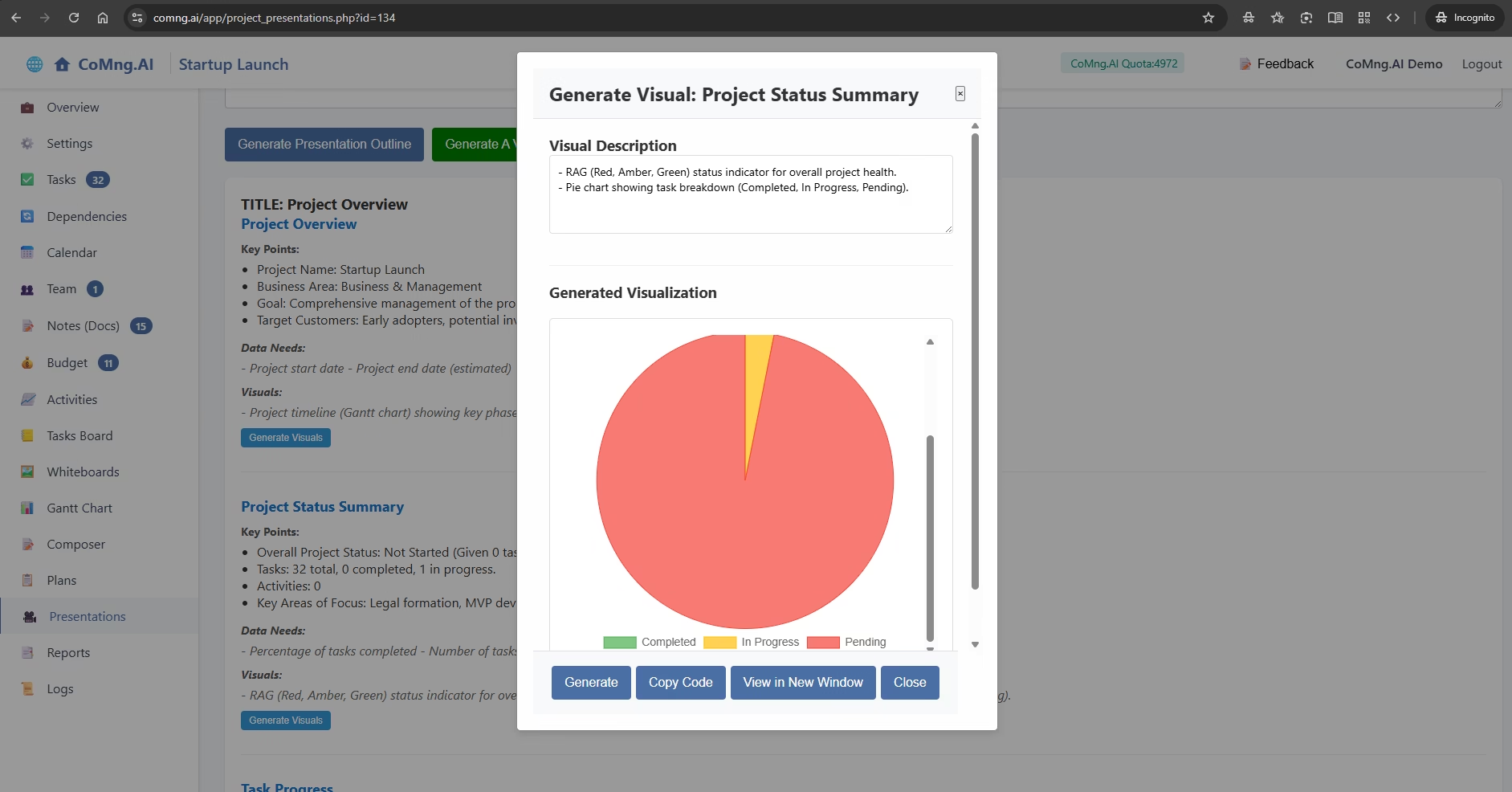
Explain how to use the Presentation Generator to rapidly create detailed outlines and supporting visuals for a wide variety of project-related presentations
-
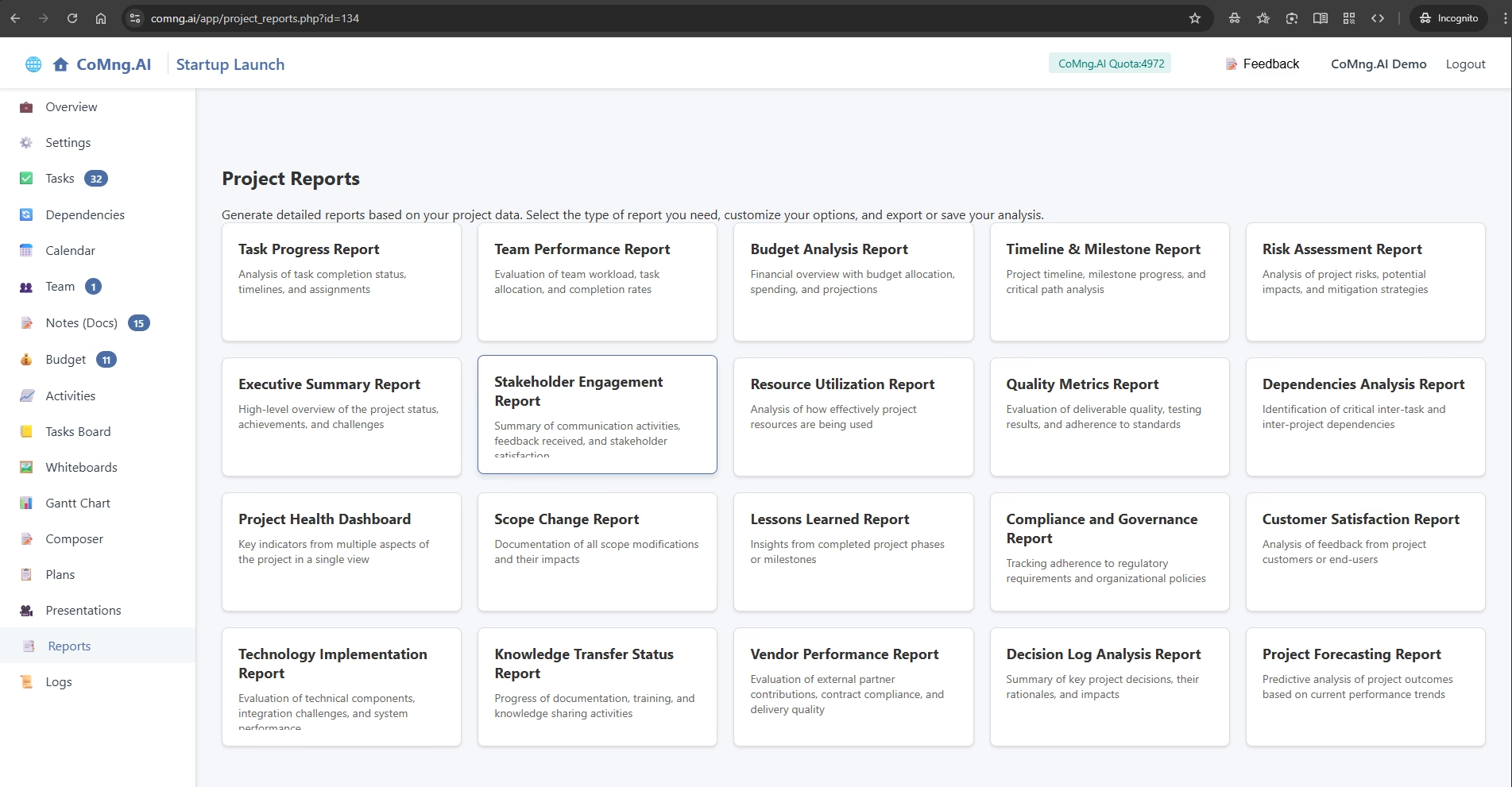
Explain how to generate, customize, and save a wide variety of analytical reports based on live project data
-
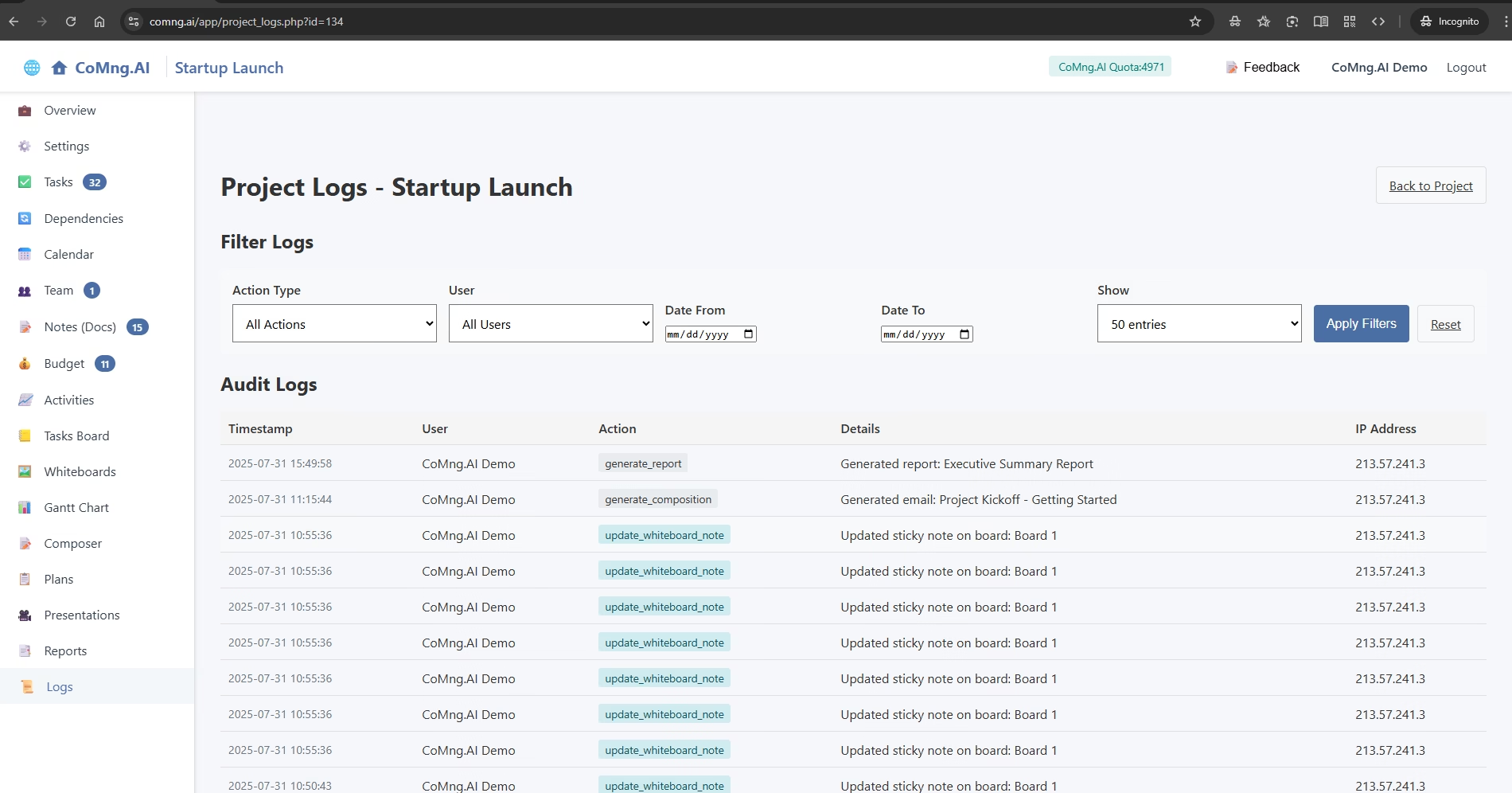
Explain how to use the Logs page to review a detailed, unchangeable history of all actions taken within a project